Let’s talk about the Gateron Quinn switches!
I’m a keyboard nerd who’s built dozens of boards and swapped switches more times than I can count.
I’ve put these switches through their paces for you.
This Gateron Quinn review breaks down their specs, performance, and whether they’re worth your hard-earned cash.
Stick around to see if these tactile treasures deserve a spot in your next build!
*Keyboard Forge is a participant of affiliate programs and earns from qualified purchases*
Switch Snapshot
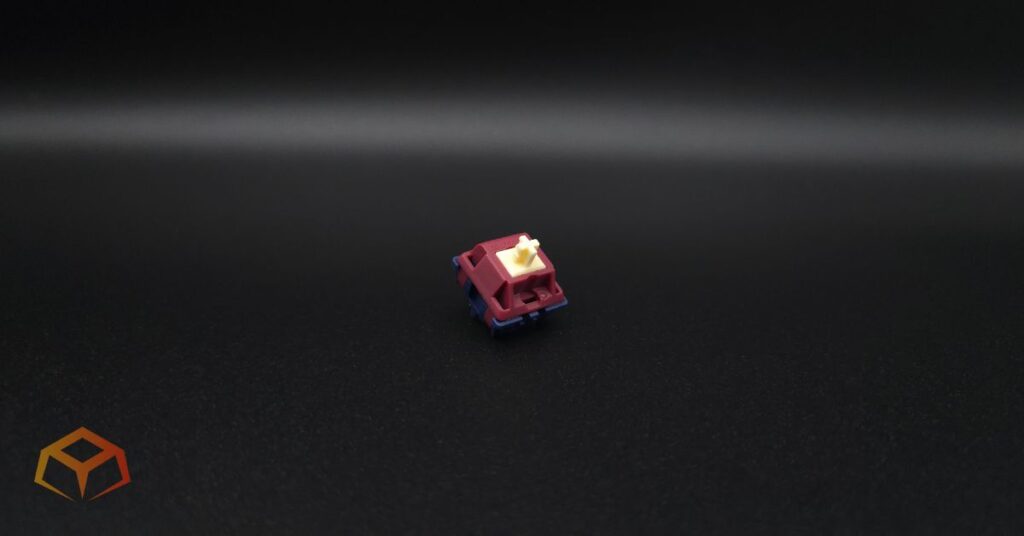
Gateron Quinn

- Type: Tactile
- Top Housing: Nylon
- Bottom Housing: Nylon
- Stem: POM
- Initial Force: Not Specified
- Actuation: 59g
- Bottom-Out: Not Specified
- Pre-Travel: 2.0mm
- Total Travel: 3.4mm
- Pins: 5-pin
- Lube: Pre-Lubricated
- Upgraded Pins
- Snappy Springs
- Great Build Quality
- Good Factory Lube
- Consistent Pinging on Downstroke
- Minimal Leaf Tick
Amazon.com
Curious how this switch stacks up against the top-rated tactiles? Check out our guide to see our current favorites:
Hands On Breakdown
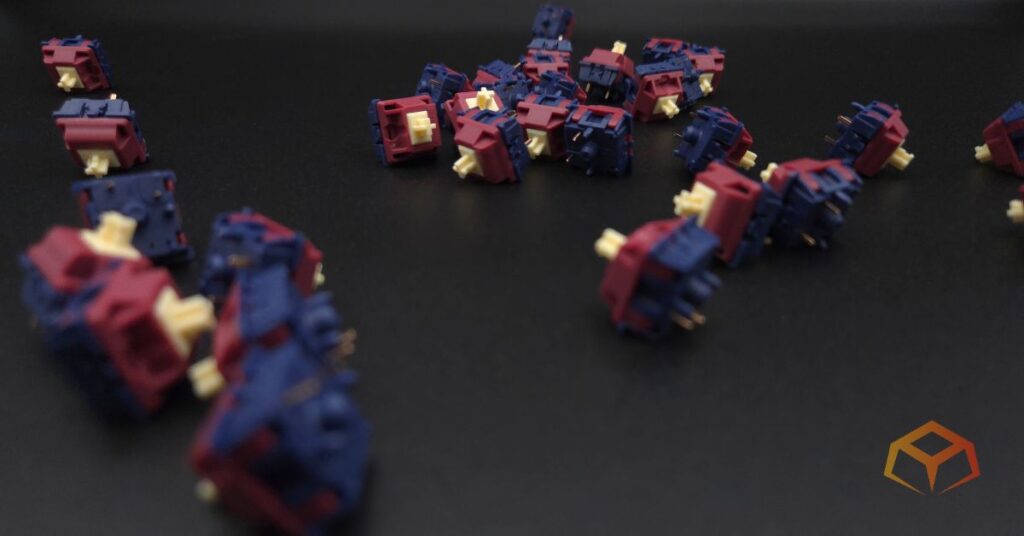
Gateron was founded in 2000 and is a manufacturer of mechanical keyboard switches and related components. The company has become a prominent player in the mechanical keyboard market and is known for producing high-quality switches.
The Quinn is Gateron’s gift to tactile enthusiasts, refined from the original with upgraded pins and light guide pole structure.
Born from a collaboration with NuPhy, the BBK switches unlock the potential of tactile switches for all purpose keyboard users and workers.
I tried these switches as they came from the factory using the following setup:
Keyboard: Neo Studio Neo65
- Case: Aluminum
- Plate: FR4
- Mount: Gasket
- Foam: Poron Case Foam, PE Sheet
Keycaps: Wuque Studio BOW
- Material: PBT
- Printing: Double Shot
- Profile: Cherry
Note: Neo Studio Neo65 doesn’t have RGB. RGB was tested on a Keychron Q1.
Overwhelmed by the anatomy of keyboards? Check these links to learn all about them:
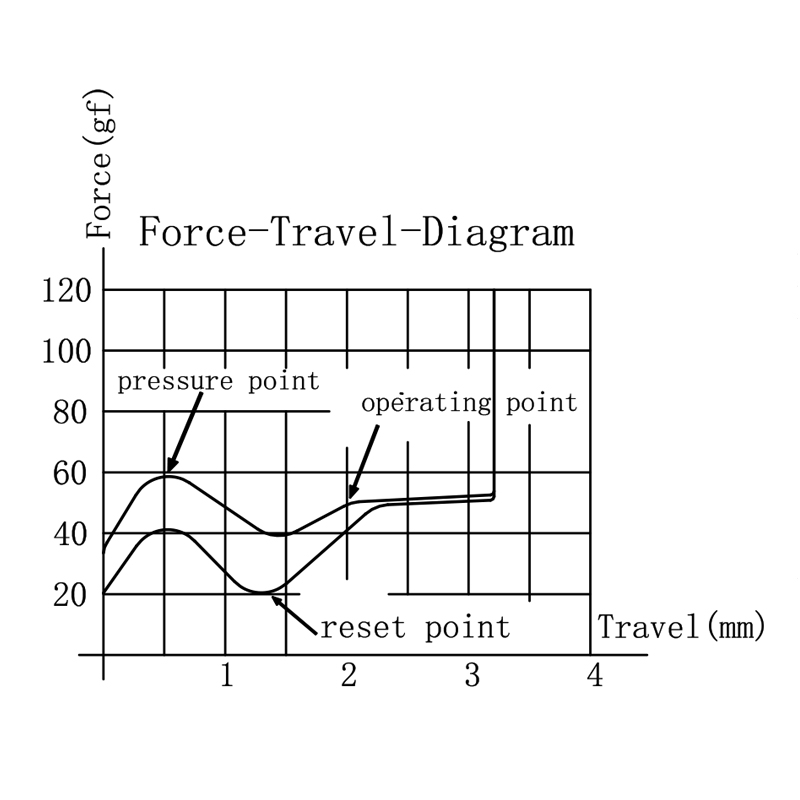
Check the force curve for the nerdy details:
Colorway:
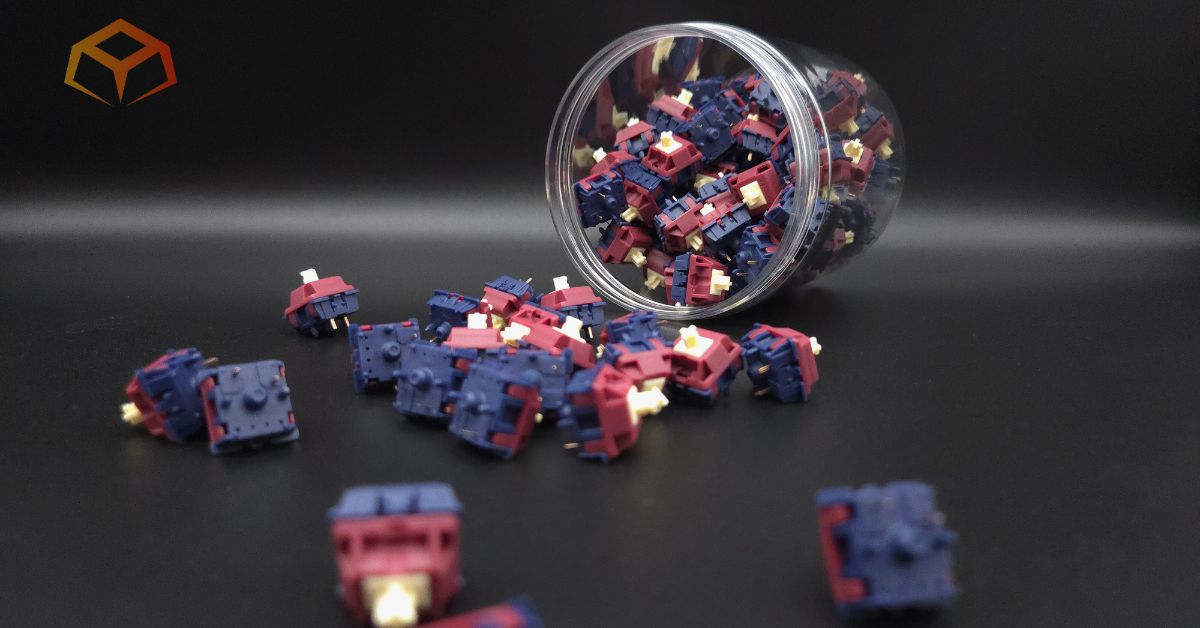
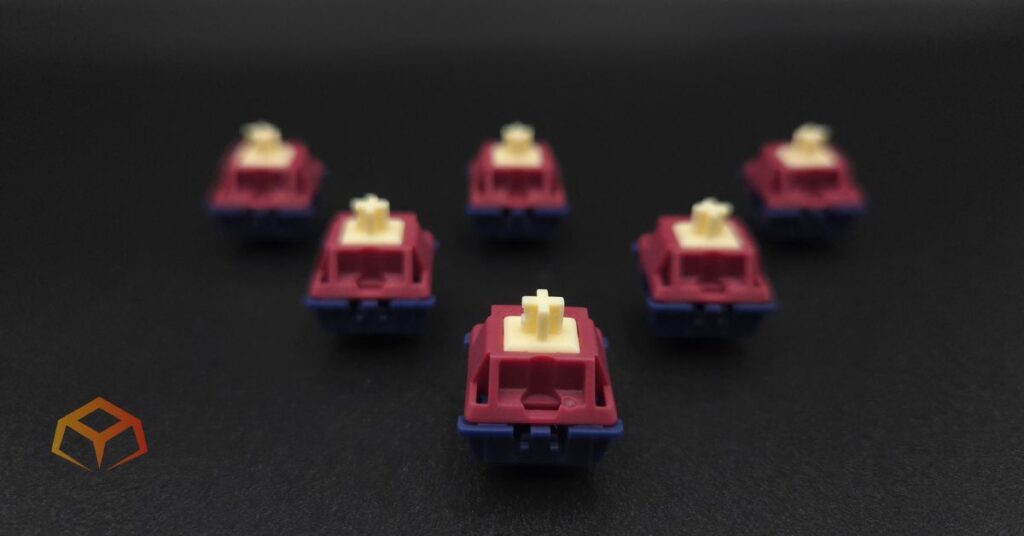
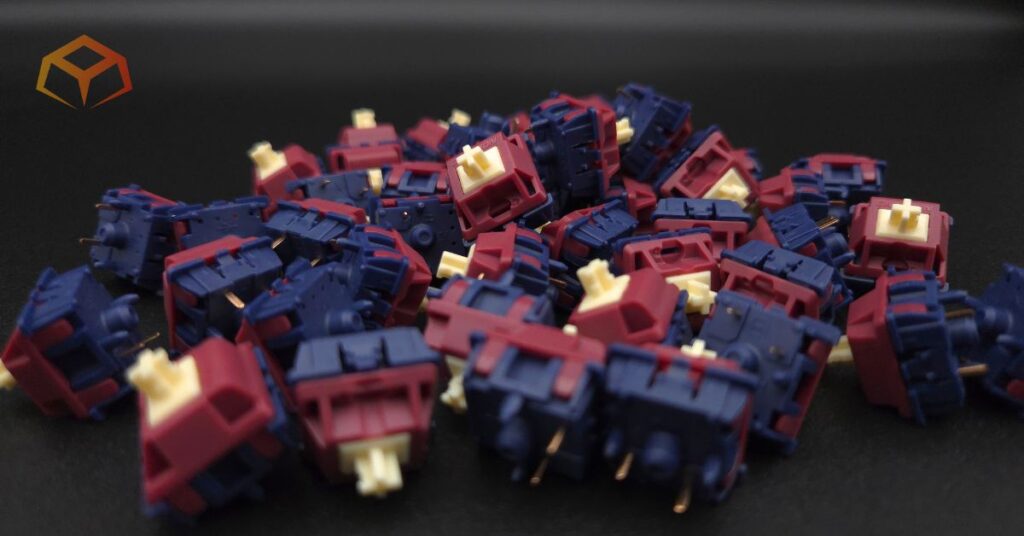
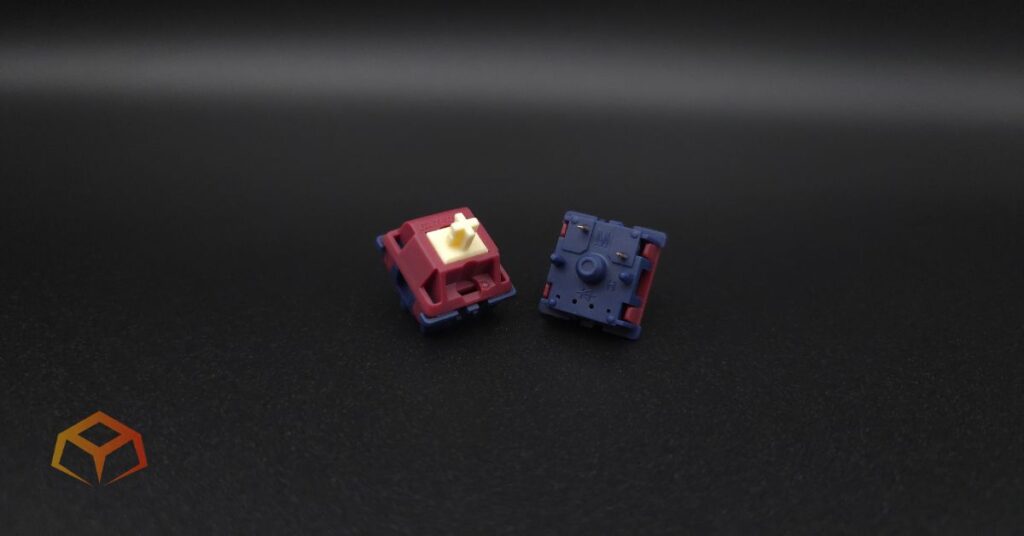
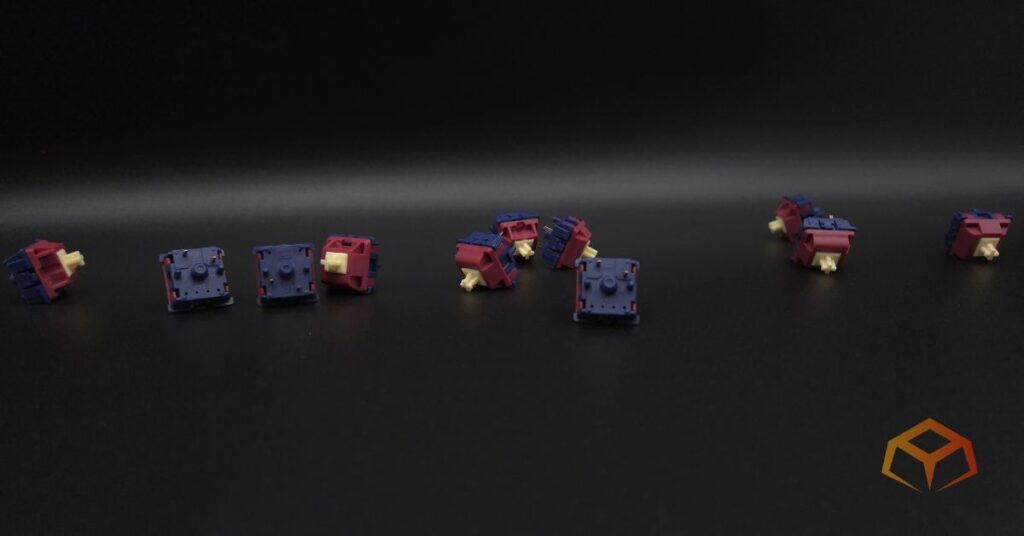
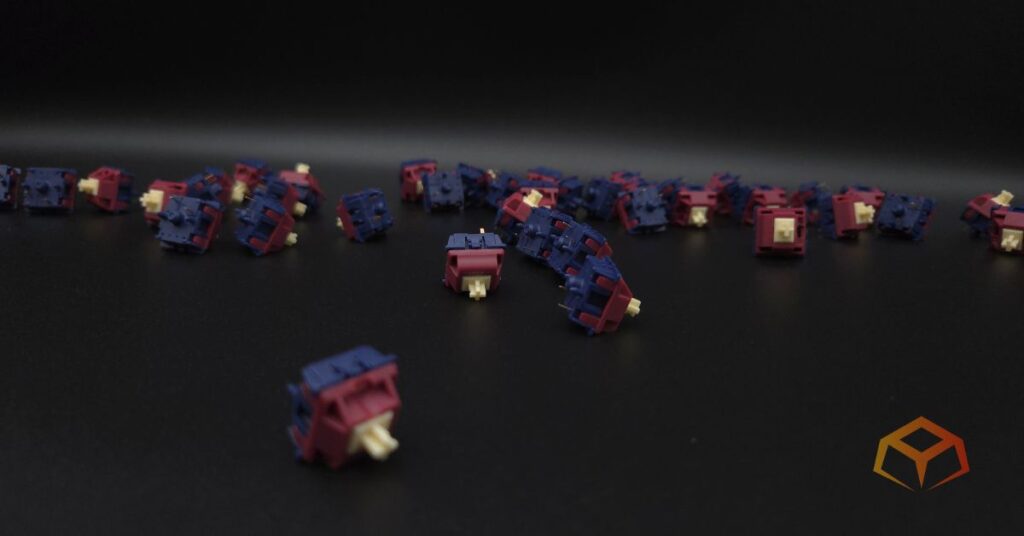
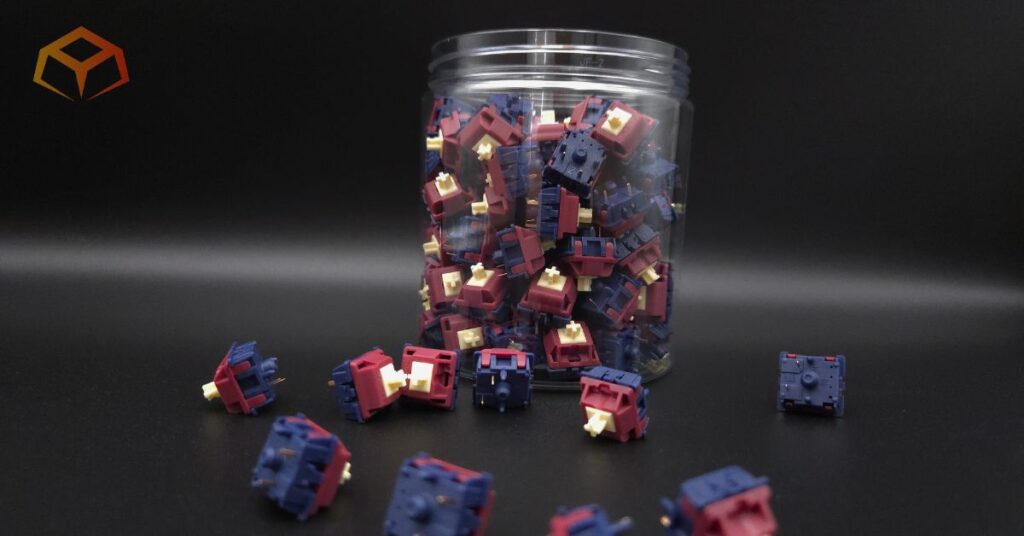
The switches have the following color scheme:
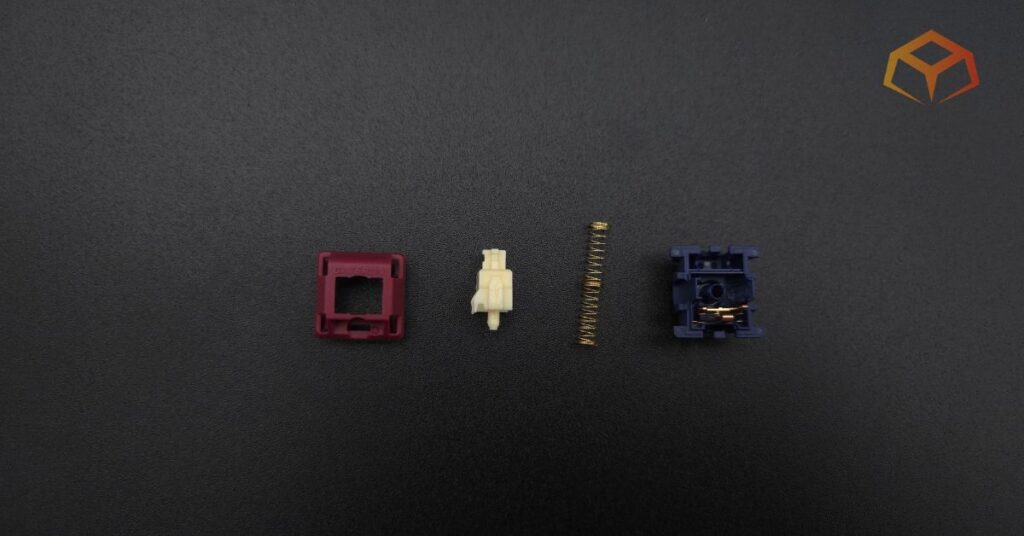
- Cream: POM stem
- Dark Red: Nylon top housing
- Dark Blue: Nylon bottom housing
I thought these switches were super ugly when I first ordered them, but they kinda grew on me when I saw them in person.
PERFORMANCE | Score: 4
| Score | Category | General Metric |
| 5 | Speed | Consistent Actuation; Snappy return; No binding |
| 4 | Responsive | Negligible Actuation Differences; Above average return |
| 3 | Standard | Minor Actuation Differences; Normal return; Minimal binding |
| 2 | Sluggish | Slow return; Noticeable binding |
| 1 | Failing | Inconsistent/Missed Actuation; Sticky return; Severe binding |
Preferences:
The switches I’ve used the longest are the Gateron Oil Kings. So, you can consider them the baseline for what my preferences are.
I like to rest my fingers on the keys when I’m typing. This often leads to keys being inadvertently pressed.
I also type like I’m hammering nails. I bottom out pretty hard when I press the keys.
General:
Linears used to be my thing, but tactiles have been hitting the spot for me lately.
These switches felt smooth.
They a bit of pressure before hitting the start of the tactile bump. Keep pressing the key and you’ll go smoothly through the rounded bump.
Take a look at the force curve above and you can see this clearly.
I’ve also included close-up picture of the stem in the sections below.
Binding:
I did the slow press test and didn’t run into any binding problems.
Spring Reurn:
The spring return was nice and snappy.
Actuation:
The actuation felt very even. I didn’t notice any difference between the switches.
Gaming:
I role played a pirate in Sea of Thieves with these switches for many many hours and they kept up with no issues.
My crew spent a lot of time battling other players, megalodons, and skeleton ships. For those that aren’t familiar with the game, battling involves shooting enemy ships (or megs) with cannons as well as boarding them to drop their anchors. This involves a lot of WASD action to aim the cannons and dodge enemy pirates. The switches felt crisp, with no lag in my movements.
One of the ships that rolled up on us was (strangely) a solo Sloop with Athena Emissary. This guy was tough, but we managed to sink him while he was trying to board our ship. It was a total W ’cause he had four other emissary flags on his ship. Maybe he was like Predator and collecting trophies.
These switches were also part of one of the most unique experiences I’ve ever had in this game. My crew was able to ally with two other ships to unlock Glitterbeard’s Beard, one of the rarest commendations in the game.
Typing:
I’m actually writing this review using these switches right now.
These switches have the perfect weight for me. I can rest my fingers comfortably without any accidental presses. No typos here, unlike lighter switches that betray me. Although, I would have liked the switches to have a heavier initial force ’cause I did notice some slight downward pressure as my fingers were resting on the keys.
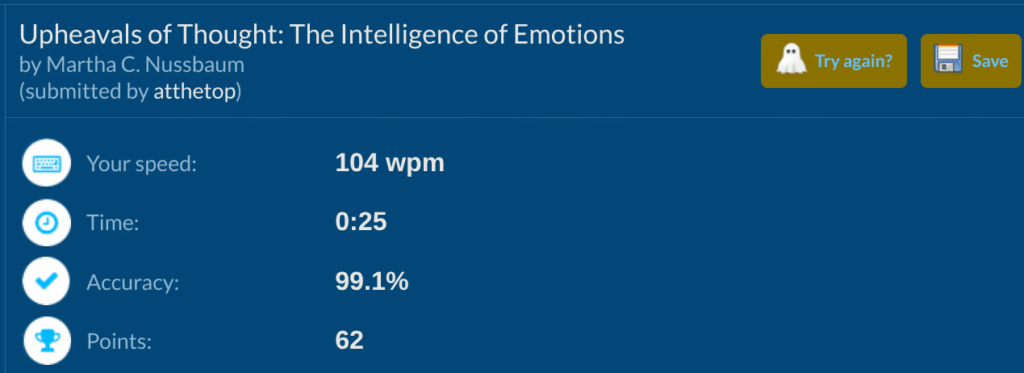
Check out the score I got on TypeRacer:
SOUND | Score: 3
| Score | Category | General Metric |
| 5 | Pristine | Zero spring ping; Zero audible scratch, Zero leaf tick |
| 4 | Clean | Minimal ping (at ear); Minimal scratch |
| 3 | Standard | Average ping (at ear); Average scratch; Minimal leaf tick |
| 2 | Unrefined | Persistent ping (typing distance); Audible sandpaper scratch; Occasional leaf tick |
| 1 | Flawed | Loud ping on every press; Severe scratch; Constant leaf tick |
Sound Signature:
These switches sounded very thocky, my preferred sound profile.
Pinging:
Almost every single switch I sampled had pinging to them when I held them up to my ear. The pinging was on the downstroke.
Didn’t hear any pinging during normal typing, but was able to hear the faintest of pings when I put my ear right up to the keyboard.
Scratchiness:
There was zero scratchiness from the switches I sampled.
Leaf Tick:
A good chunk of the switches I sampled had leaf tick/crunch. It was very hard to hear it, but I could tell it was there if I listened really closely. I wouldn’t say this is an issue. The pinging is a much larger issue.
Microphone Usage:
In the past, I regularly had complaints on Discord about my mic picking up keyboard sounds when I was typing, but I didn’t get any complaints at all during the play sessions where I was testing out these switches.
I even told my teammates to specifically listen for my typing as I mashed on the keyboard for them. They said they couldn’t hear anything.
I also put my phone up next to the keyboard on a speaker phone call and the other side couldn’t hear any keyboard sounds either.
QUALITY | Score: 4.5
| Score | Category | General Metric |
| 5 | Flawless | Reinforced pins; Zero wobble; Secure housing; Proper Lube |
| 4 | Solid | Standard pins; Minimal wobble; Too much/little lube |
| 3 | Average | Thin pins; Noticeable “play” in socket; No lube |
| 2 | Poor | Bent pins; Loose housing; Ghost-typing |
| 1 | Defective | Broken pins; Housing pops open during installation; Keys don’t register |
Socket Fit:
These switches looked and felt premium.
They snapped into my keyboard’s sockets like they meant business with no wobble.
The switches were also able to be removed using the normal amount of force, didn’t have to pull extra hard or anything.
Pins:
I didn’t notice anything unusual about the pins. They seemed sturdy to me.
Housing:
The top and bottom housings were nice and secure. I wasn’t able to pry them apart using just my fingers.
Errors:
I had no issues with ghost-typing and didn’t have to reseat any of them to have all my keys correctly register on KeyboardTester.com.
Lubrication:
I opened them up to check out the insides and they were nicely lubed from the factory.
COMPATIBILITY | Score: 3.5
| Score | Category | General Metric |
| 5 | Universal | 3-Pin; MX stem; Light diffuser |
| 4 | Versatile | 5-Pin; Transparent housing |
| 3 | Standard | Opaque housing; RGB slot |
| 2 | Restricted | Non-standard pin or stems; poor keycap stability |
| 1 | Proprietary | Requires brand-only sockets |
Pins:
The switches were 5-pin design and they seemed to seat very securely in the socket and plate.
Keycaps:
The keycaps fit tightly over the MX-style stems on the switches.
There wasn’t any excessive keycap wobbling that I could tell. Everything felt secure.
I removed all the keycaps smoothly without any of the switches popping out of their sockets.
RGB:
There are RGB slots on each switch that worked well and let a lot of RGB through. The colored top housing let no light through. I couldn’t even see any light bleed from around the side of the switches.
PRICE | Score: C
| Score | Category | Price (Per Switch) |
| A | Ultra-Budget | < $0.25 |
| B | Budget | $0.26 – $0.40 |
| C | Mid-Range | $0.41 – $0.60 |
| D | Premium | $0.61 – $0.85 |
| F | Luxury | $0.86+ |
At the time of this writing, the Quinns sit at the top end of Mid-Range pricing.
Regardless of the price, these switches were amazing. They feel great. They sound great.
At MSRP? I think they’re absolutely worth it.
I do periodically see them on sale. You’ll definitely wanna swoop them up if they drop down to a price point you’re happy with.
Quick Comparison
Here’s how these switches stack up against some similar options:
| Switch | Force (Act/Bot) | Materials | Sound |
|---|---|---|---|
| Gateron Quinn [This Review] | 59g / Not Specified | POM / Nylon | Thocky |
| Drop Holy Panda X [Read Review] | Not Specified / 60g | POM / PC / Nylon | Clacky |
| Glorious Panda [Read Review] | 49 / 60g | POM / PC / Nylon | Clacky |
| Gateron Baby Kangaroo [Read Review] | 59g / Not Specified | POM / PC / Nylon | Thocky |
| JWICK Black T1 [Read Review] | Not Specified / 67g | POM / Nylon | Clacky |
| EPOMAKER Budgerigar [Read Review] | Not Specified / 67g | POM / Nylon | Thocky |
Who Are These Switches For?
If you like thock, you’ll like these switches.
They’re great for typists that have heavier fingers and want a more rounded tactile bump.
The switches are also perfect for the set-and-forget modders that just wanna pop them into their builds without hand lubing. These things are absolutely ready to go straight out of the box.
These things are not for those that wanna light up their keyboard like a Christmas tree. They don’t let that much light through and you’re only gonna see the RGB right above the LED slot.
Wrapping Up
The Gateron Quinn switches, as they came from the factory, were almost perfect to me.
I would have preferred them to have a heavier initial force and a sharper tactile bump.
With how much I enjoyed them, I’m not even sure if I’d have to do a hand lubed review on these switches.
Maybe I’ll at least lube the springs to see if I can get rid of the pinging. I guess that’ll be TBD.
I’ll be back with an update on this article if I happen to.
So, you ready to give them a spin? Grab a pack and upgrade your typing today!
Amazon.com
How We Tested and Our Methodology
Keyboard Forge is a 100% independent publisher.
We purchased these switches with our own funds and were not paid by any company or manufacturer to influence our opinions or decisions.
We conducted numerous hours of hands-on testing with these switches in both gaming and typing environments. Majority of the gaming testing was done playing Sea of Thieves. Majority of the typing testing was done writing articles for Keyboard Forge.
We hope this review helps you get a better understanding of these switches. Feel free to reach out to suggest switches to review in the future.
Thanks for the support!
Enjoyed this review? Share it with your crew!