Let’s talk about the EPOMAKER Wisteria switches!
I’m a keyboard nerd who’s built dozens of boards and swapped switches more times than I can count.
I’ve put these things through the wringer for you.
This EPOMAKER Wisteria review breaks down their specs, performance, and whether they’re worth your hard-earned cash.
Stick around to see if these switches deserve a spot in your next build!
Curious how this switch stacks up against the top-rated linears on the market? Check out our Best Linear Switches guide to see our current favorites and where we recommend spending your money.
*Keyboard Forge is a participant of affiliate programs and earns from qualified purchases*
Switch Snapshot
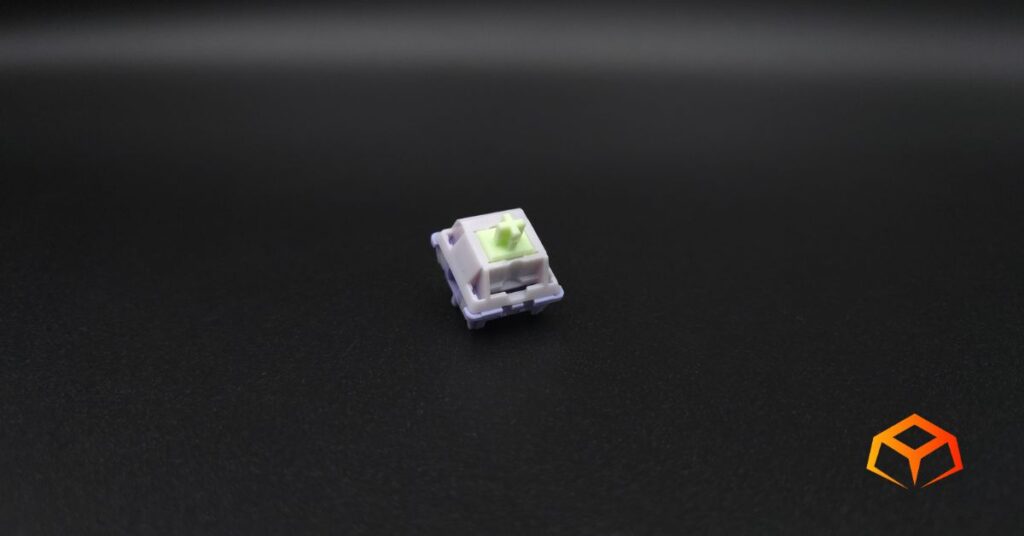
EPOMAKER is short for Epoch of Makers. The company is comprised of gamers, software engineers, product designers, and mech keyboard enthusiasts who were inspired to create their own line of keyboards, and thus, switches.
The Wisterias are one of the most popular linear switches from EPOMAKER. They’re so popular that they even have a tactile version with the same name.
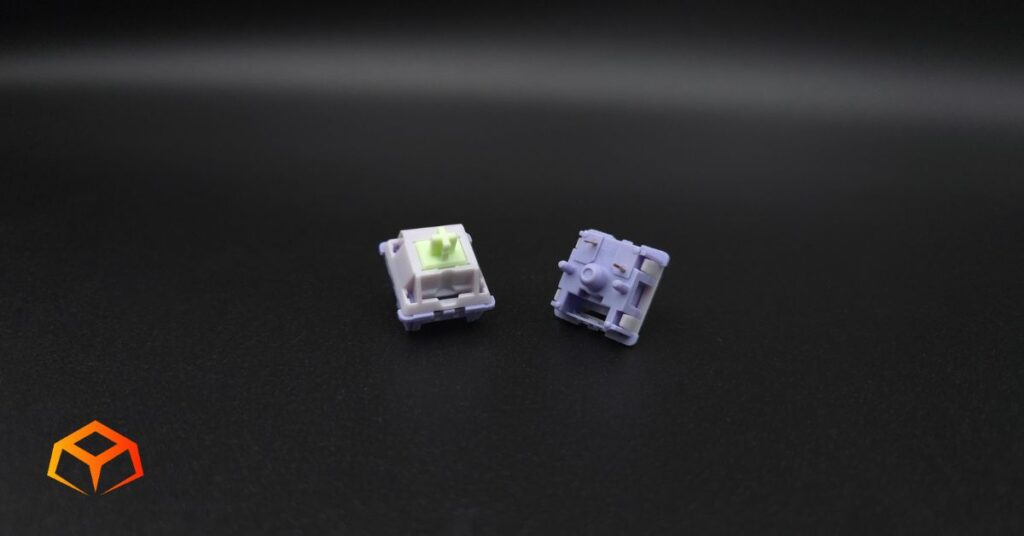
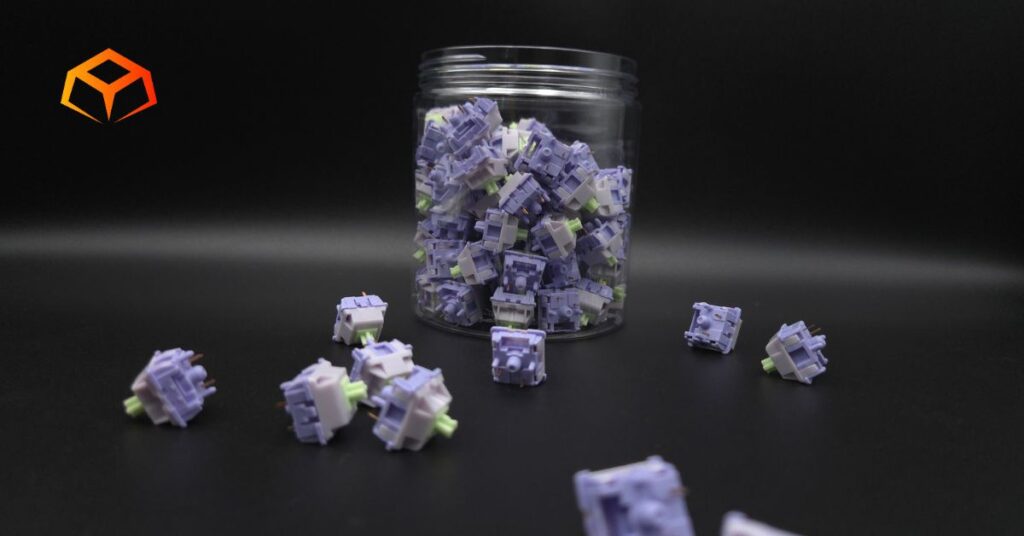
EPOMAKER says that these switches were inspired by the wisteria, a vibrant plant that features bountiful purple blooms in eye-catching cascades. I Googled the plant and can confirm that the colors match, unlike the EPOMAKER Budgerigars.
EPOMAKER Wisteria

- Type: Linear
- Top Housing: Polycarbonate
- Bottom Housing: Nylon PA66
- Stem: POM+PTFE
- Initial Force: Not Specified
- Actuation: 45g
- Bottom-Out: Not Specified
- Pre-Travel: 2.2mm
- Total Travel: 3.6mm
- Pins: 5-pin
- Lube: Pre-Lubricated
- Super Smooth
- Light Springs
- Thocky
- Exceptional Price
- Excessive Lube
Specs were sourced directly from the manufacturer’s website.
Wanna get into details about mechanical switches? Learn more about them here.
Tempted already? Snag a pack and join the linear party!
Hands On Breakdown
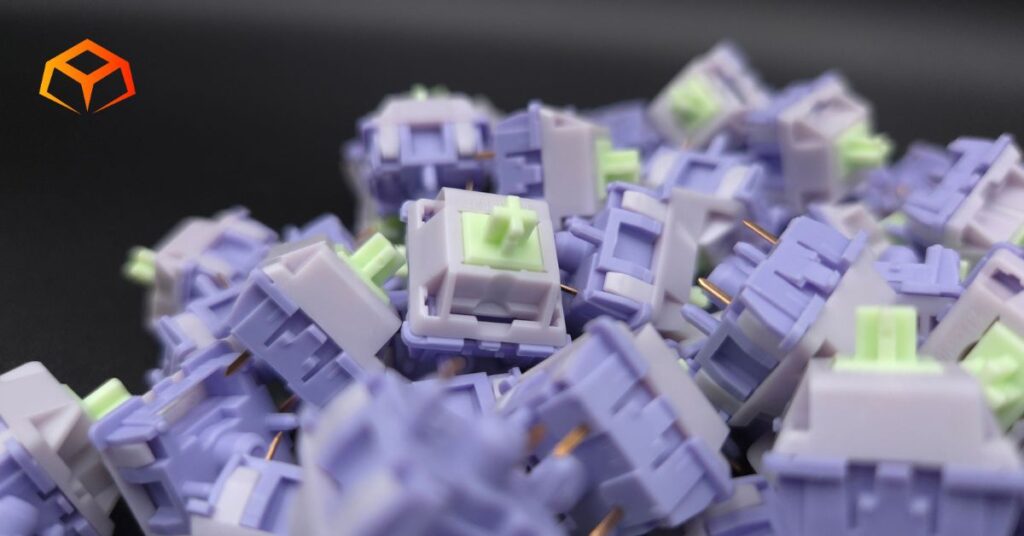
I tried these switches as they came from the factory using the following setup:
Keyboard: Neo Studio Neo65
- Case: Aluminum
- Plate: FR4
- Mount: Gasket
Check out our keyboard case article, plate article, and gasket mount article for more info.
Keycaps: Wuque Studio BOW
- Material: PBT
- Printing: Double Shot
- Profile: Cherry
Learn all about keycaps here.
Note: Neo Studio Neo65 doesn’t have RGB. RGB was tested on a Keychron Q1.
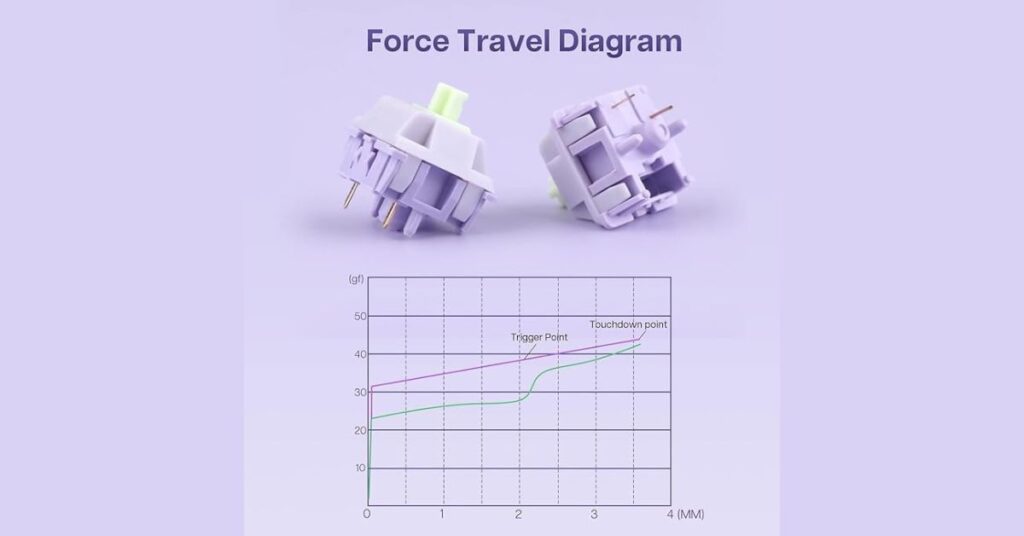
Check the force curve for the nerdy details:
I tested these switches in both gaming and typing scenarios.
Performance
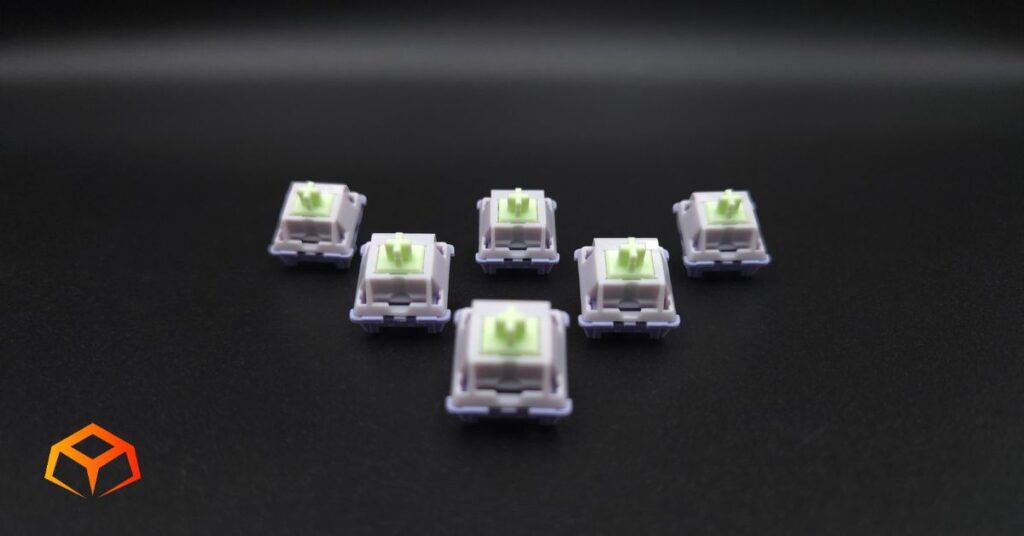
Performance Score: 4
Preferences:
The switches I’ve used the longest are the Gateron Oil Kings. So, you can consider them the baseline for what my preferences are.
I like to rest my fingers on the keys when I’m typing. This often leads to keys being inadvertently pressed.
I also type like I’m hammering nails. I bottom out pretty hard when I press the keys.
General:
These switches came with a healthy amount of lube from the factory. I opened up a handful of them and could easily feel the grease on my finger when handling the stem.
This helped the switches glide like butter and I didn’t catch a hint of scratchiness.
They had a very light initial and actuation force.
The bottom out force at 45g was way too light for my tastes.
Gaming:
I spent tons of hours battling in Marvel Rivals with these switches and encountered zero issues.
While playing, I didn’t notice any delay in my movements and my main’s (Emma Frost) movements felt snappy.
I queued up competitive matches straightaway, without any warm up. Avid players would consider this crazy.
Lesson learned. I was immediately matched with four prior Grand Master players on the enemy team and zero on my team. Needless to say, we got stomped and I stopped playing competitive right away.
For those that aren’t familiar, Marvel Rivals involves moving your character using the WASD keys and pressing a bunch of other keys to use your character’s abilities. Everything felt really responsive to me, even though I was getting utterly destroyed.
I decided to play Sea of Thieves after and did much better. My crew and I went 3-0 in Hourglass battles. This had never happened before. The battles were oddly easy. Either our opponents sucked or we really are getting better.
I played more Marvel Rivals throughout the week, but I stuck to quick play as I didn’t feel like being a sweat.
The switches performed in the games as expected. They were very, very smooth and felt great, but the light weight still bothered me.
Typing:
I’m actually writing this review using these switches right now.
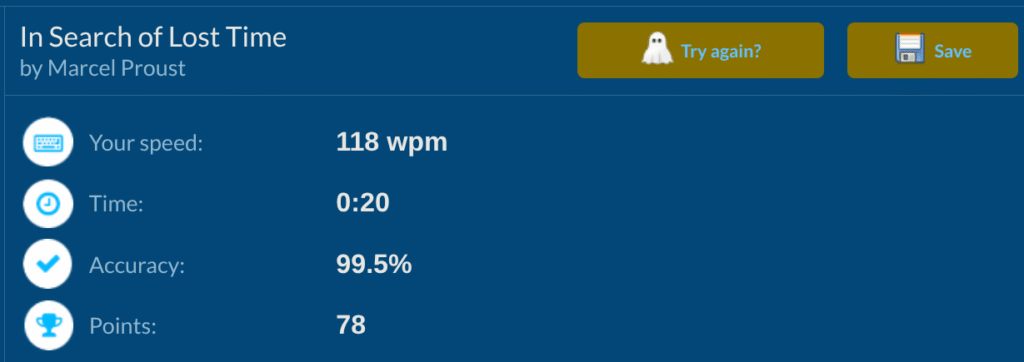
I typed surprisingly fast with these switches with minimal mistakes.
This was unexpected. I usually have tons of issues with switches these light, but for whatever reason, these switches performed admirably for me.
Did notice that I was purposely hovering over the keys instead of resting my fingers on them ‘cus I was afraid of inadvertently actuating a key.
Overall, typing on these switches felt fine and you’ll definitely like them if you’re into lighter switches.
Check out the score I got on TypeRacer:
Sound Profile
Sound Score: 5
Sound Signature:
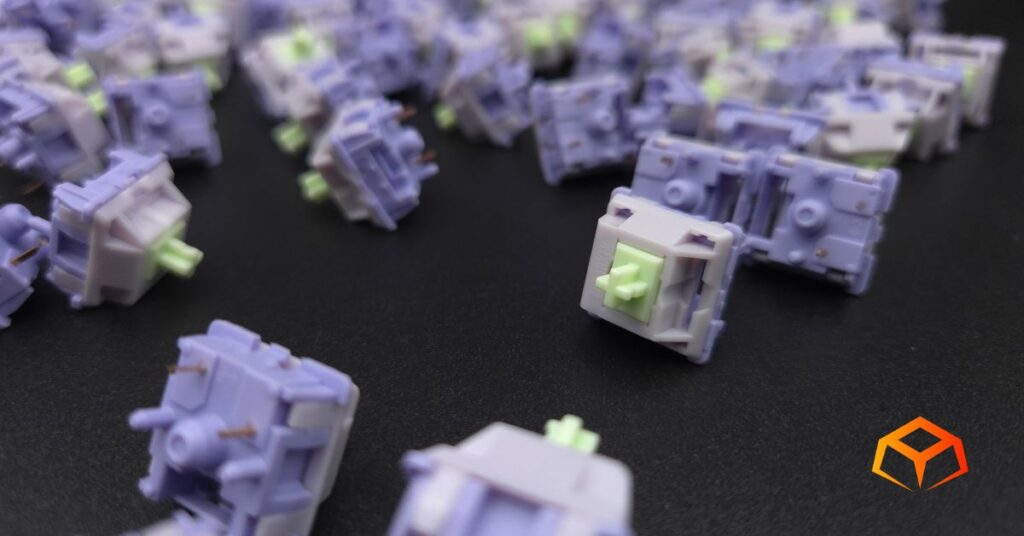
This is where I really enjoyed these switches.
They sounded super thocky. I loved the way they sounded so much that I unplugged the keyboard and started mashing random keys just to hear the thockiness.
Pinging:
The switches didn’t have any pings at all. I brought my ears down to the keyboard and hear nothing. I brought individual switches up to my ears and heard nothing.
Totally impressed by the quality.
Microphone Usage:
In the past, I regularly had complaints on Discord about my mic picking up keyboard sounds when I was using these switches, but I didn’t get any complaints at all during the play sessions where I was testing out the switches.
I even told my teammates to specifically listen for my typing as I mashed on the keyboard for them. They said they couldn’t hear anything.
Build Quality
Build Quality: 5
Socket Fit:
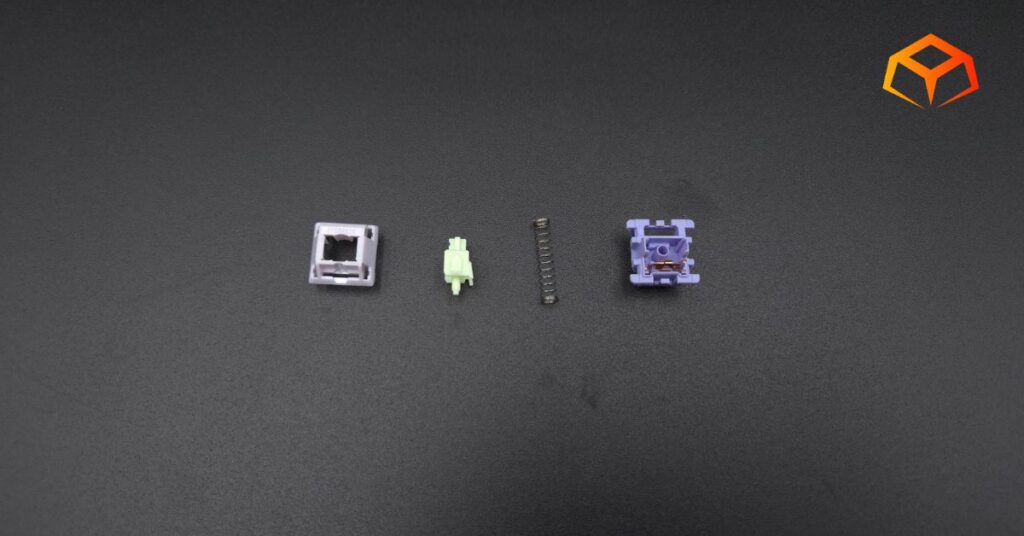
These things looked boxy to me. I don’t know what it is about EPOMAKER switches, but their shapes remind me of old cars.
Looks are deceiving, though. These things went into the sockets easily and securely. There was no wobble at all.
Pins:
I poked around on the switches and didn’t discover anything wrong with the build quality.
The pins were nice and sturdy and I didn’t bend a single one while seating them into the sockets.
The switches were 5-pin design and seated very securely in the socket and plate with no wobble.
Errors:
There were no issues with ghost-typing and all my keys worked on KeyboardTester.com.
Lubrication:
I opened a handful of them up to check out the insides. As mentioned above, they were nicely lubed.
Aesthetics and Compatibility
Compatibility Score: 5
Colorway:
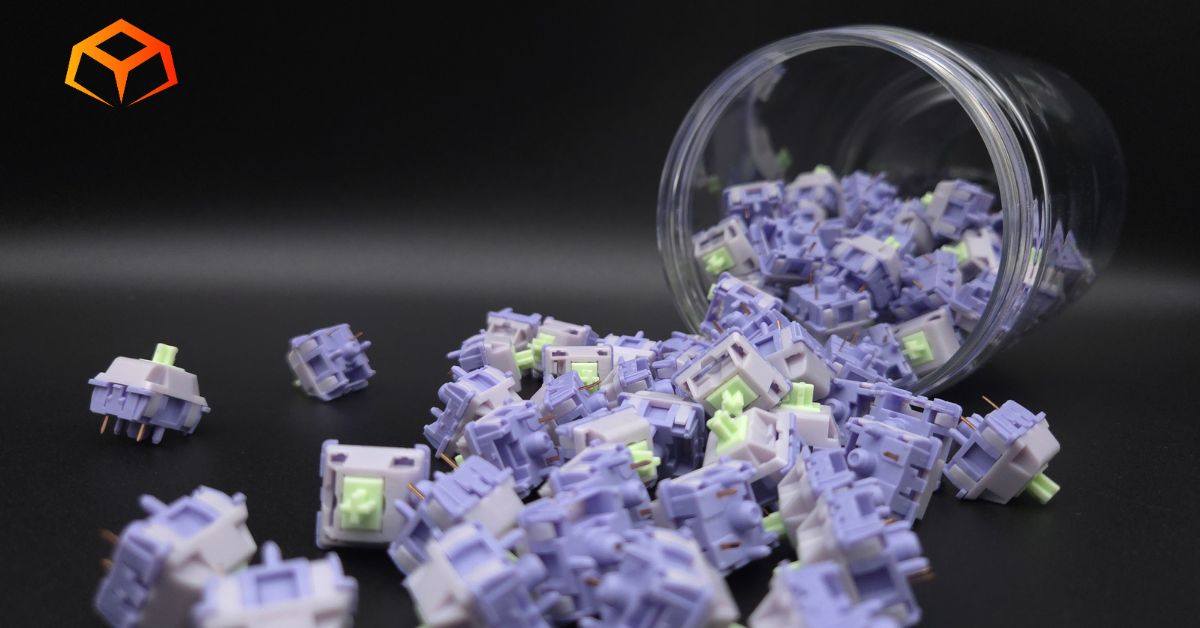
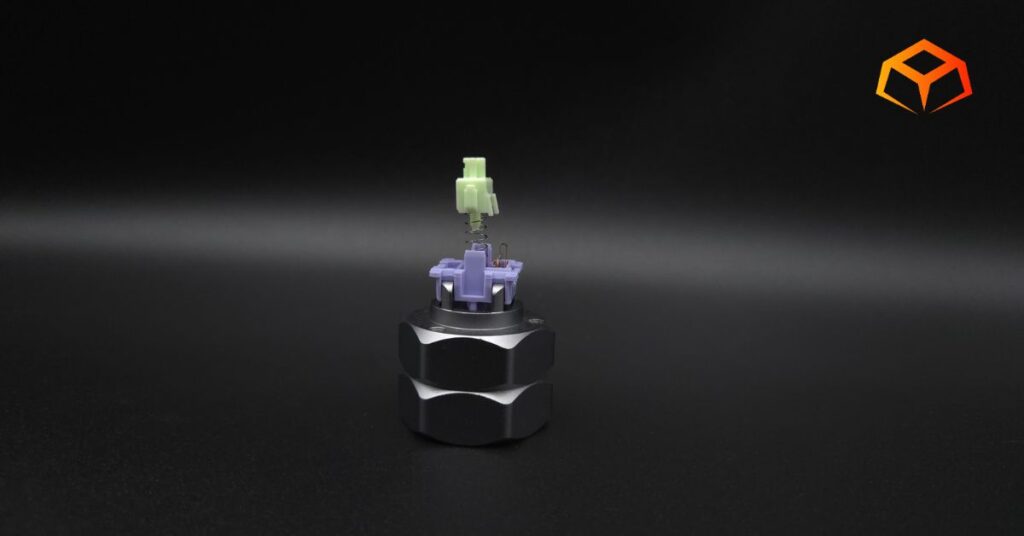
The switches have the following color scheme:
- Mint: POM+PTFE stem
- Lighter Purple: Polycarbonate top housing
- Dark Purple: Nylon PA66 bottom housing
The pastel coloring on these switches looked nice. It’s not a color scheme I would pick, but you won’t be disappointed if you like the pastel look.
Keycaps:
Keycaps went on with no issues. I got the usual resistance when pressing the keycaps onto the stems. They felt secure.
All the switches also stayed in place when removing the keycaps. I didn’t have a single one get pulled out with its corresponding cap.
RGB:
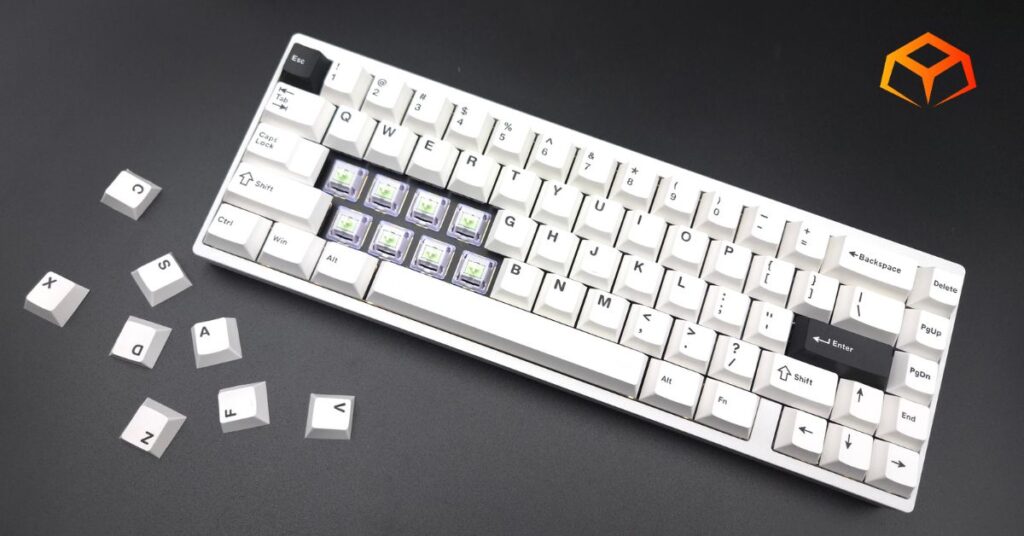
The switches had a slit for the LED to shine through. RGB lighting worked fine and as expected. There was nothing significant to note in this aspect.
Quick Comparison
Here’s how the EPOMAKER Wisteria switches stack up against some similar options:
| Switch | Type | Actuation Force | Travel Distance | Materials |
| EPOMAKER Wisteria | Linear | 45g | 3.6mm | PC/Nylon Housing, POM+PTFE Stem |
| NovelKeys_ Cream | Linear | 55g | 4.0mm | POM Housing, POM Stem |
| Glorious Lynx | Linear | 43g | 3.9mm | PC/Nylon Housing, POM Stem |
| Gateron Oil King | Linear | 55g | 4.0mm | Proprietary Ink/Nylon Housing, POM Stem |
| Wuque Studio Morandi | Linear | 50g | 3.5mm | POM Housing, UPE Stem |
| Akko Rosewood | Linear | 40g | 4.0mm | Nylon Housing, Nylon Stem |
| Cherry MX Red | Linear | 45cN | 4.0mm | Plastic Polymer Housing/Stem |
| Gateron G Pro 3.0 Red | Linear | 45g | 4.0mm | PC/Nylon Housing, POM Stem |
| Kailh Box V2 Red | Linear | 40g | 3.6mm | PC/Nylon Housing, POM Stem |
| Gateron Ink V2 Black | Linear | 60g | 4.0mm | Proprietary Ink Housing, POM stem |
Price and Value
Value Score: 5
At the time of this writing, the EPOMAKER Wisteria switches cost ~$0.25 per switch. This is budget pricing territory.
I really have nothing else to say except for the fact that this is excellent value for these switches. EPOMAKER has continuously impressed me with their switches.
These switches do periodically go on sale. Going even cheaper than they already are is a big win for all of us in the enthusiast keyboard community. Keep an eye on them and don’t hesitate to hit that checkout button when you see them on sale.
If you like lighter linears, I’d definitely recommend you try these out. You’ll be pleasantly surprised.
Who Are These Switches For?
You’ll love these switches if you’re a typist looking for a lighter actuation point. You might even want to give them a try if you’re a heavy typist. I am, and I found myself typing with minimal mistakes.
These things are also for those that are into a thockier sound profile. I loved the poppy/marble-y sound.
These switches are also for the lazy tinkerer. Just toss them in your board and forget about them. They offer a great experience straight out of the box without any need for lubing the stems or springs.
Wrapping Up
The EPOMAKER Wisteria switches, as they came from the factory was almost perfect to me.
My only wish would be for them to have a bottom out force around 65-70g.
I’m sure I can get used to the lighter weight over time, but it’s not something I’ll likely be doing.
Don’t get me wrong. These are EXCELLENT switches, but they’re just not the right fit for my tastes at this time.
Overall, I would definitely recommend these switches for people that enjoy lighter switches.
So, you ready to give them a spin? Grab a pack and upgrade your typing today!
How We Tested and Our Methodology
Keyboard Forge is a 100% independent publisher.
We purchased these switches with our own funds and were not paid by any company or manufacturer to influence our opinions or decisions.
We conducted numerous hours of hands-on testing with these switches in both gaming and typing environments. Majority of the gaming testing was done playing Sea of Thieves or Marvel Rivals. Majority of the typing testing was done writing articles for Keyboard Forge.
We hope this review helps you get a better understanding of these switches. Feel free to reach out to suggest switches to review in the future.
Thanks for the support!
Enjoyed this review? Share it with your crew!