Time to pit the Glorious Lynx switches against the Glorious Panda switches
I’m a keyboard nerd who’s built dozens of boards and swapped switches more times than I can count.
I’ve put these things through the wringer for you (so you don’t have to).
This Glorious Lynx vs Glorious Panda article breaks down their specs, performance, and whether they’re worth your hard-earned cash.
Stick around to see which one of these switches deserve a spot in your next build!
*Keyboard Forge is a participant of affiliate programs and earns from qualified purchases*
Switch Snapshot
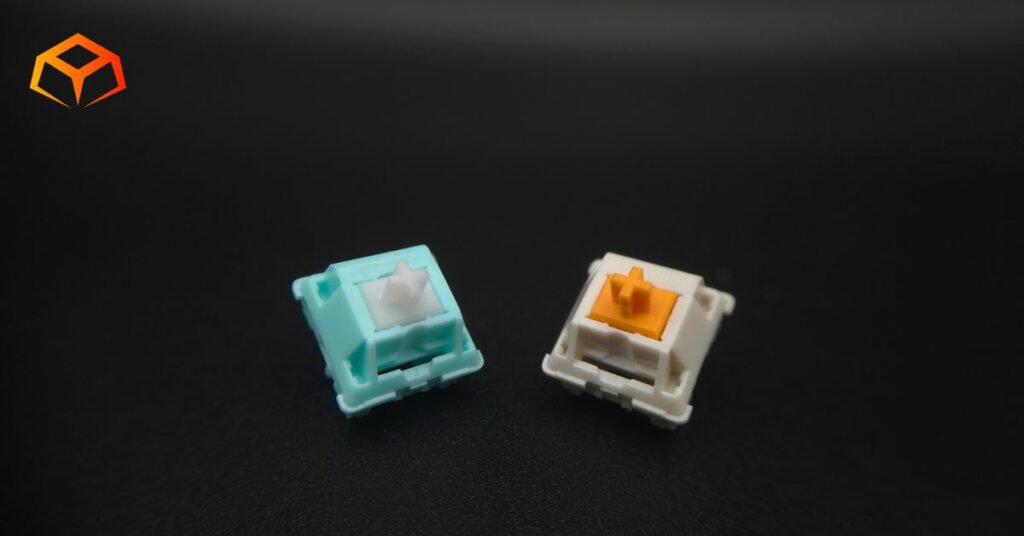
Glorious is a well-known brand that caters specifically to gamers. They have a whole ecosystem of gaming gear that are engineered to integrate and improve your gaming experience.
The Glorious Lynxes are their linear line of switches, while the Glorious Pandas are their tactile line of switches.

- Type: Linear
- Top Housing: Polycarbonate
- Bottom Housing: Nylon
- Stem: POM
- Initial Force: Not Specified
- Actuation: 43g
- Bottom-Out: Not Specified
- Pre-Travel: Not Specified
- Total Travel: 3.9mm
- Pins: 5-pin
- Lube: Pre-Lubricated

- Type: Tactile
- Top Housing: Polycarbonate
- Bottom Housing: Nylon PA66
- Stem: POM
- Initial Force: Not Specified
- Actuation: 49g
- Bottom-Out: 60g
- Pre-Travel: 2.5mm
- Total Travel: 3.3mm
- Pins: 3-pin
- Lube: Unlubed
Specs were sourced directly from the manufacturer’s website.
Wanna get into details about mechanical switches? Learn more about them here.
Tempted already? Snag a pack and join the tactile party!
Hands On Breakdown
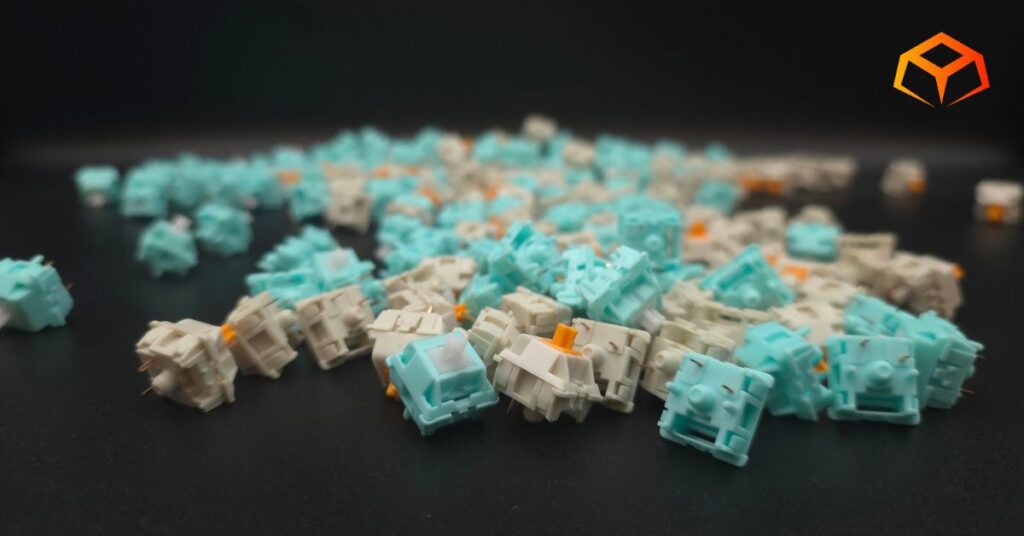
I tried these switches as they came from the factory using the following setup:
Keyboard: Neo Studio Neo65
- Case: Aluminum
- Plate: FR4
- Mount: Gasket
Check out our keyboard case article, plate article, and gasket mount article for more info.
Keycaps: Wuque Studio BOW
- Material: PBT
- Printing: Double Shot
- Profile: Cherry
Note: Neo Studio Neo65 doesn’t have RGB. RGB was tested on a Keychron Q1.
Learn all about keycaps here.
I tested these switches in both gaming and typing scenarios.
Performance
Preferences:
The switches I’ve used the longest are the Gateron Oil Kings. So, you can consider them the baseline for what my preferences are.
I like to rest my fingers on the keys when I’m typing. This often leads to keys being inadvertently pressed.
I also type like I’m hammering nails. I bottom out pretty hard when I press the keys.
General:
If you noticed from the table above, both switches have the same bottom out force, but their actuation forces are significantly different. The Lynxes actuate at 43g, while the Pandas actuate at 49g.
They both felt very smooth, without any hints of scratchiness, to me. To be honest, I’m not particularly sensitive to scratchiness. However, the Lynxes were noticeably smoother than the Pandas because they were factory-lubed.
As you can expect, with one being linear and another being tactile, the typing experience is significantly different.
I consider the Lynxes to be light switches. It doesn’t take much effort to actuate them. The Pandas, on the other hand, feel much heavier because of the effort it takes to get over the tactile bump.
Their in-depth reviews go more into their feel. Unfortunately, Glorious doesn’t provide a force curve, so they’re not included in their reviews. Still, check out the reviews for further details.
Gaming:
I played mostly Sea of Thieves when reviewing the Glorious Lynxes and Marvel Rivals when reviewing the Glorious Pandas.
My characters movements felt great. Everything was snappy and responsive.
If you’re not familiar with how these games play, they both involve moving your character using the WASD keys and pressing a bunch of other keys to use your character’s abilities or items.
I got great feedback from the Glorious Pandas. Normally, I get absorbed into the game and pay no attention to my keyboard, but with the Pandas, I continuously spammed random buttons just so I could feel the tactile feedback over and over. I loved every key press.
I wasn’t as impressed with the Lynxes. That’s not to say they’re bad. It’s just that I was constantly distracted by how light they felt to me (purely subjective). I much prefer the sharp feedback from the Pandas.
Typing:
Typing felt amazing on the Pandas.
Again, the sharp feedback made me enjoy every single keypress. The heavier initial force also allowed me to rest my fingers on the keys without any fear of mistakenly actuating any keys.
When using the Lynxes, though, I was constantly reminding myself to hover my fingers over the keyboard. It was okay for the short typing tests, but got a bit annoying when I was writing the initial review on the Lynxes.
My typing speed was better with the Glorious Pandas. They performed faster and more accurately for me than the Lynxes.
Again, my preference here is purely subjective, but objectively, the factory-lubed Lynxes were smoother than the Pandas.
Winner: Glorious Lynx
Sound
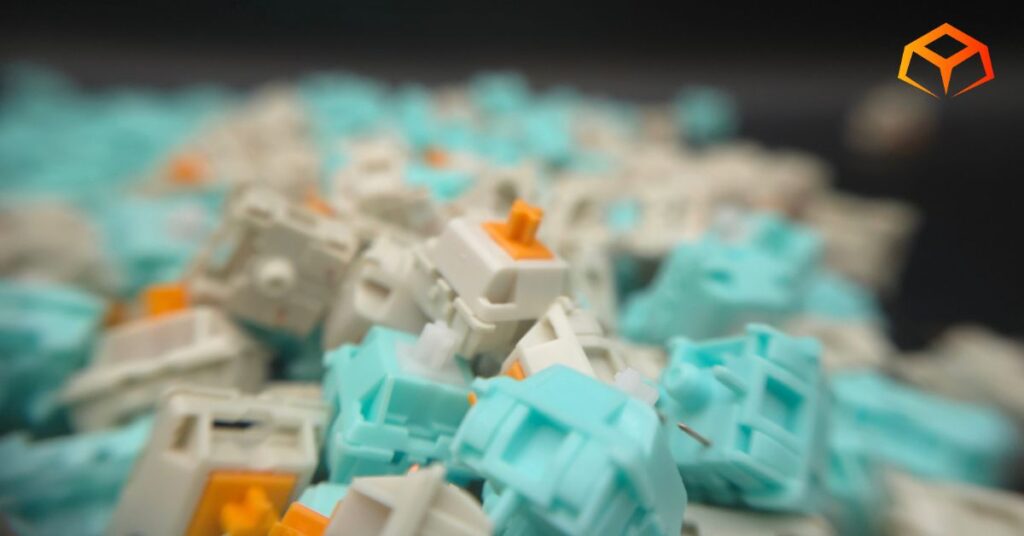
Sound Signature:
Both switches clacked. I didn’t hate it, but I didn’t love it. I’m into deep, deep thock.
Pinging:
The Glorious Pandas had a ton of pinging. The pinging was super apparent when you brought the switch up to your ear.
The Glorious Lynxes had significantly less pinging, but the pinging was still present.
The Pands likley had so much more issues with pinging because they were unlubed.
Microphone Usage:
Neither of the switches had any issues on Discord. In the past, Discord would frequently pick up all the typing sounds. However, it seems the newer mic options in the mic are really good at suppressing keyboard sounds now.
Winner: Glorious Lynx
Build Quality
Socket Fit:
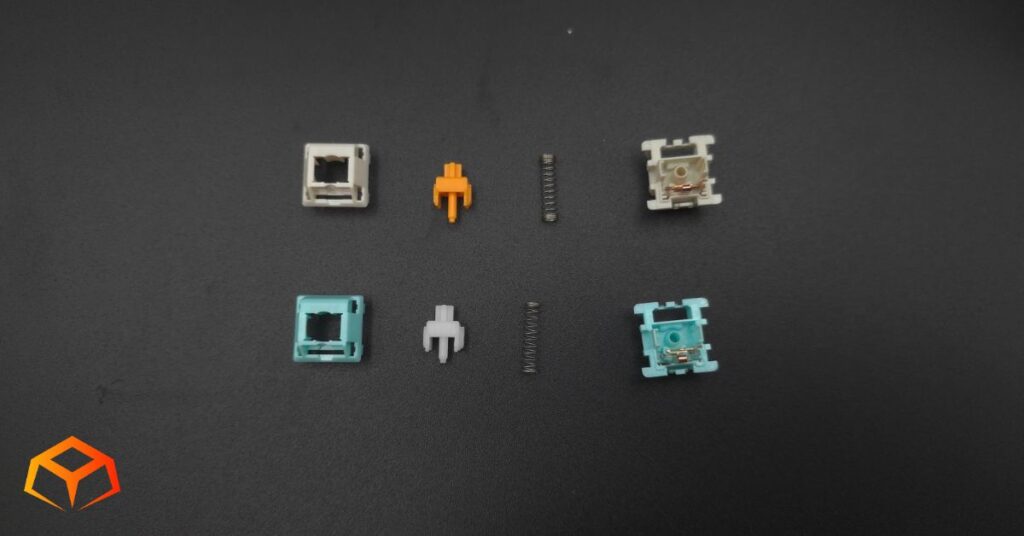
These switches felt premium.
They performed like premium switches too.
Both the Glorious Lynxes and Glorious Pandas seated securely into the keyboard sockets without any wobbling. The Pandas were almost a bit too hard to snap in, though.
Pins:
Having a 5-pin design, the Glorious Lynxes seated more securely in the socket. The 3-pin design of the Glorious Pandas resulted in a few switches popping out when pulling off keycaps. This isn’t soley a 3-pin issue as I’ve experienced 5-pin switches getting pulled out as well. This is also more of a compatibility issue (which I go over in the section below) rather than an issue with the pins.
If you have a hot-swap board with loose tolerances, the 5-pin Lynx is objectively more stable. Otherwise, both of their pins felt sturdy.
Errors:
Both switches performed perfectly and I had no issues with ghost-typing.
Lubrication:
I opened a handful of both switches and checked out their lube. The Glorious Pandas were unlubed, as expected. The Glorious Lynxes were thinly lubed from the factory. Despite the thin lube, the Lynxes were very smooth.
Winner: Glorious Lynx
Compatibility
Colorway:
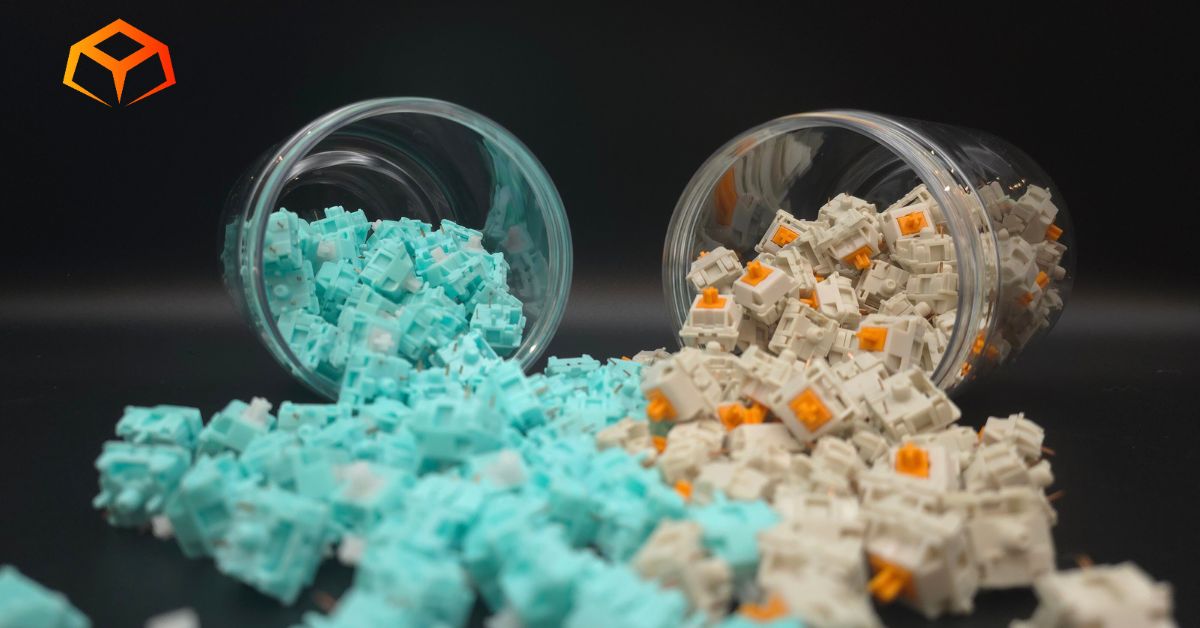
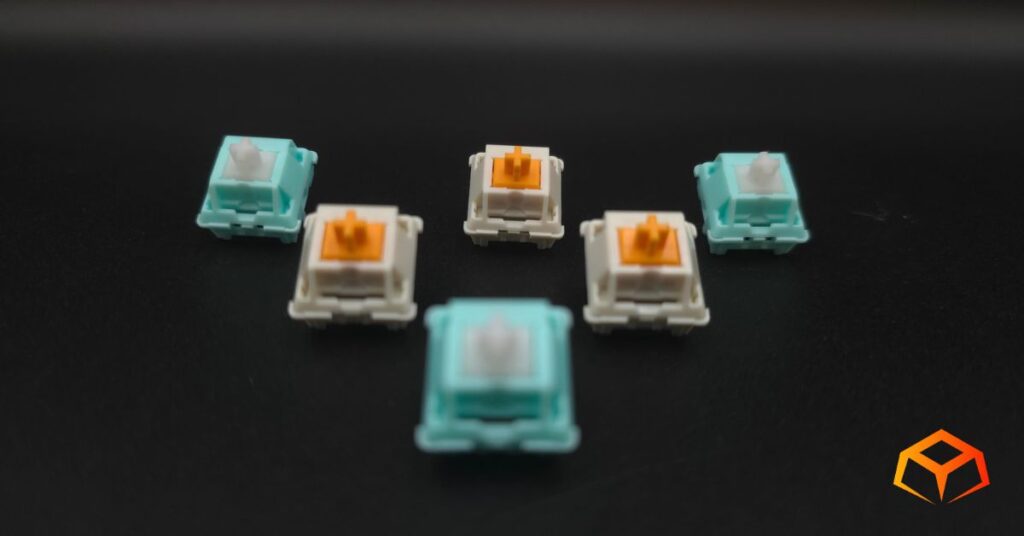
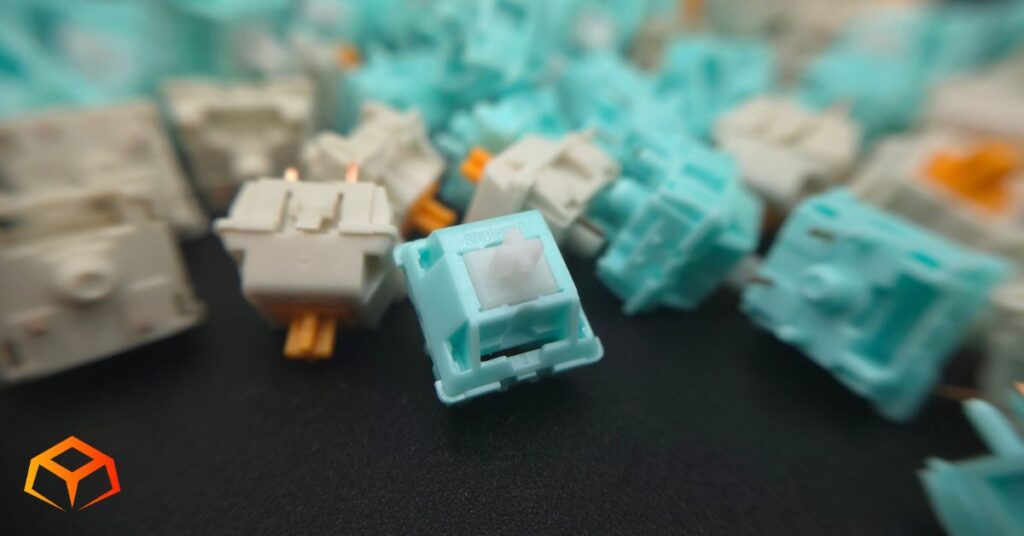
The switches have the following color scheme:
| Glorious Lynx | Glorious Panda | |
| Stem | White | Orange |
| Top Housing | Cyan | Cream |
| Bottom Housing | Cyan | Cream |
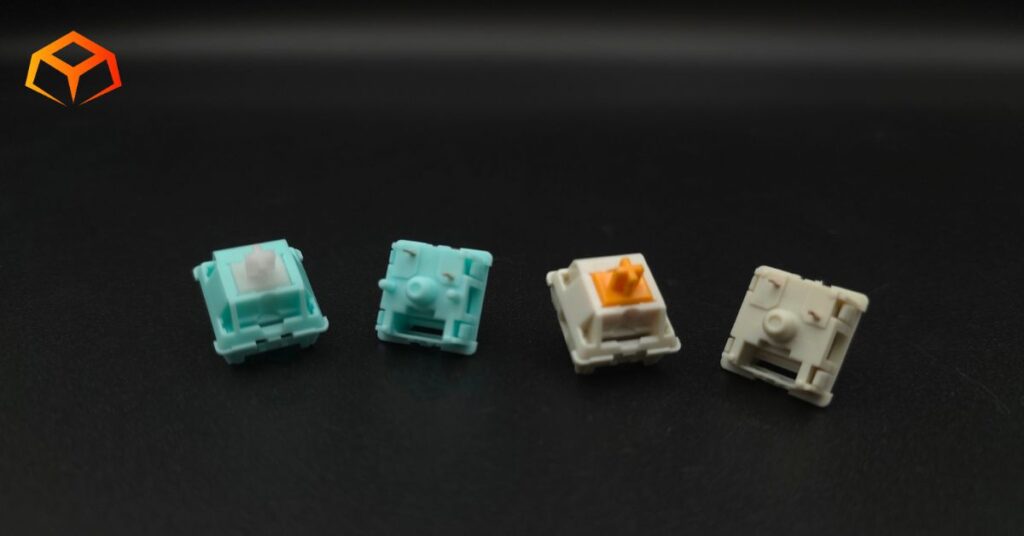
I liked the way both of these switches looked. They’re kinda opposites, but both look pretty awesome in their own way.
They cyan and white combo of the Lynxes give the switches a really cool vibrant look. They really pop when installed on the keyboard.
The Glorious Pandas’ orange reminded me of this site’s logo. I think it would have looked better with a bright white casing, though.
Keycaps:
The keycaps went on the Lynxes suspiciously easily. Normally, you get a satisfying “click” when the keycap snaps on, but the keycaps felt like they just kinda squished on to these guys. Don’t be alarmed, though. The keycaps were very secure with significantly less than average wobble.
The keycaps were tough to get onto the Glorious Pandas. I had to press a lot harder than usual to get them onto the stems. Unsurprisingly, this super tight fit resulted in a bunch of keycaps popping out of their sockets when I was removing them. The fact that they were a 3-pin design probably didn’t help either.
RGB:
RGB worked the same on both switches.
Winner: Glorious Lynx
Value
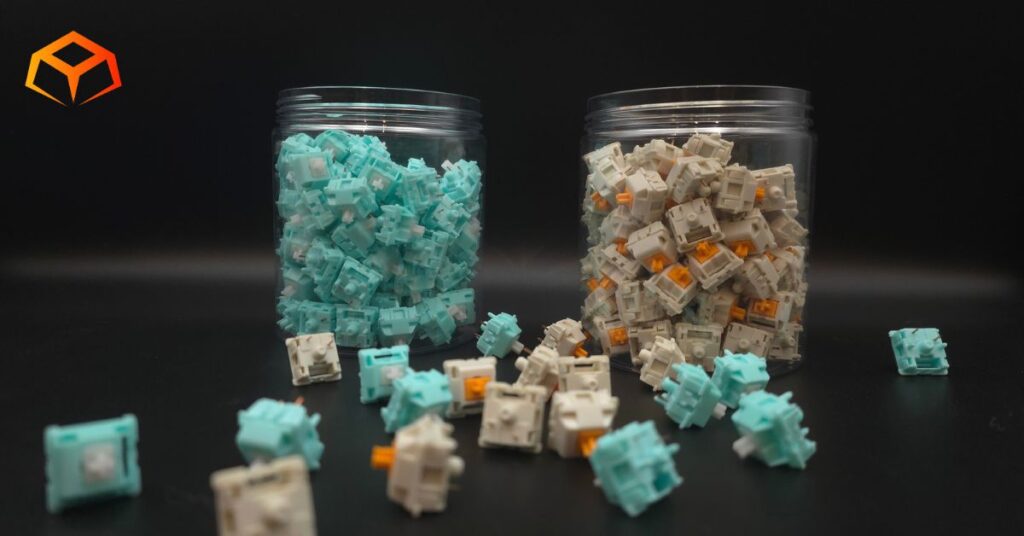
The Glorious Lynxes cost ~$0.92 per switch. The Glorious Pandas cost ~$0.83 per switch. I consider both of these expensive.
Sometimes, the unlubed version of the Glorious Pandas go on sale for ~$0.42 per switch.
Value-wise, I think the unlubed Glorious Pandas are totally worth it. Save yourself a ton of money and just lube them yourself.
As for the Lynxes, the lubed versions will sometimes drop into mid-range pricing when on sale. Set a price tracker and keep an eye out for them.
Winner: Glorious Panda
Wrapping Up
Performance: Glorious Lynx
Sound: Glorious Lynx
Build Quality: Glorious Lynx
Compatibility: Glorious Lynx
Value: Glorious Panda
Winner: Glorious Lynx
There you have it. A quick comparison of the Glorious Lynx switches vs Glorious Panda switches.
I’m actually not surprised that these the Lynxes came out ahead. A set of lubed, 5-pin linears vs a set of unlubed, 3-pin tactiles really isn’t a fair match. I’ll definitely have to lube the Pandas and do a rematch in the future. The lube might make a difference in smoothness, but it still can’t compensate for the fact that the 3-pin design isn’t as secure as the 5-pin design.
My Pick: Glorious Panda
Despite the Lynxes feeling a lot smoother, I’d still take the Pandas over them. This pick was mainly because of the way they felt, since we’ve already established that I didn’t really like the way they sounded.
Both switches were amazing and I have no doubt you’ll enjoy either of them. However, the Glorious Pandas just felt a bit better to me because it was heavier and I liked the tactile bump. Plus the value is just so much better than the Glorious Lynxes.
My goal for this sum up was to give you a place to get info on a general comparison of the switches. Be sure to check out my in-depth review for the Glorious Lynx and Glorious Panda switches if you want more info.
Otherwise, if you’re ready to jump in on these switches, grab a pack today!
How We Tested and Our Methodology
Keyboard Forge is a 100% independent publisher.
We purchased these switches with our own funds and were not paid by any company or manufacturer to influence our opinions or decisions.
We conducted numerous hours of hands-on testing with these switches in both gaming and typing environments. Majority of the gaming testing was done playing Sea of Thieves or Marvel Rivals. Majority of the typing testing was done writing articles for Keyboard Forge.
We hope this review helps you get a better understanding of these switches. Feel free to reach out to suggest switches to review in the future.
Thanks for the support!
Enjoyed this review? Share it with your buddies!