Gaming keyboards aren’t just fancy desk candy. They boost your speed, precision, and comfort during those epic all-night sessions.
Whether you’re sniping in Valorant or spamming hotkeys in WoW, the right keyboard can make or break your game.
We’ve brainstormed to bring you the ultimate guide for picking a gaming keyboard.
No jargon, no fluff, just straight-up advice for newbies.
So, let’s not waste any more time and get into it!
*Keyboard Forge is a participant of affiliate programs and earns from qualified purchases*
Why Gaming Keyboards Are a Big Deal
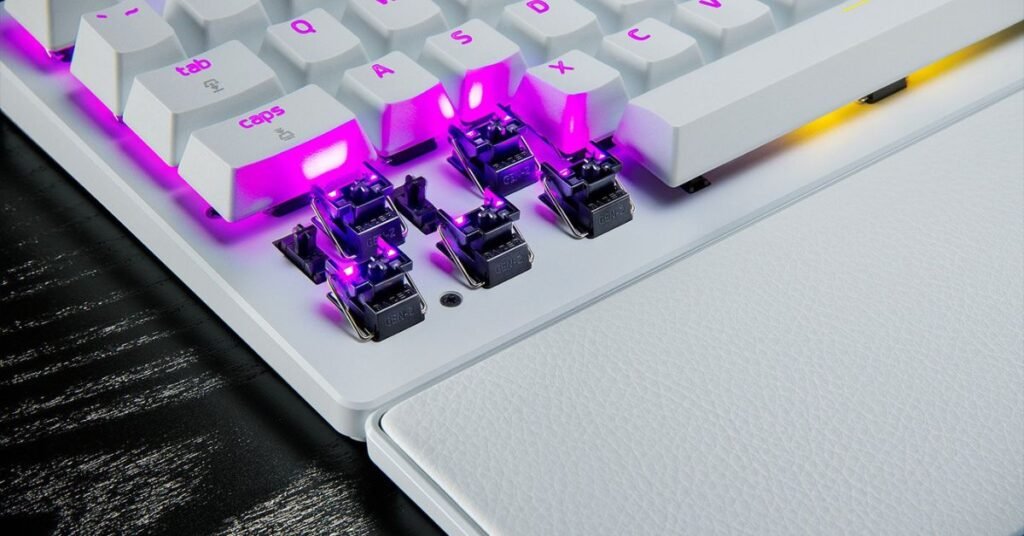
Your office keyboard won’t cut it for gaming.
Gaming keyboards pack specialized switches, anti-ghosting tech, and customizable keys to keep up with your lightning-fast reflexes.
They’re built tough to survive your rage-quits and late-night grind.
Plus, those RGB lights look downright cool.
A good keyboard feels like an extension of your hands, giving you an edge in every match.
What Are the Different Types of Keyboards

Keyboards come in different styles, each with its own perks. Here’s the rundown:
- Mechanical: These use physical switches for crisp feedback and durability. Gamers love them for their satisfying feel.
- Optical: These bad boys use light to register key presses. They’re crazy fast and built to last.
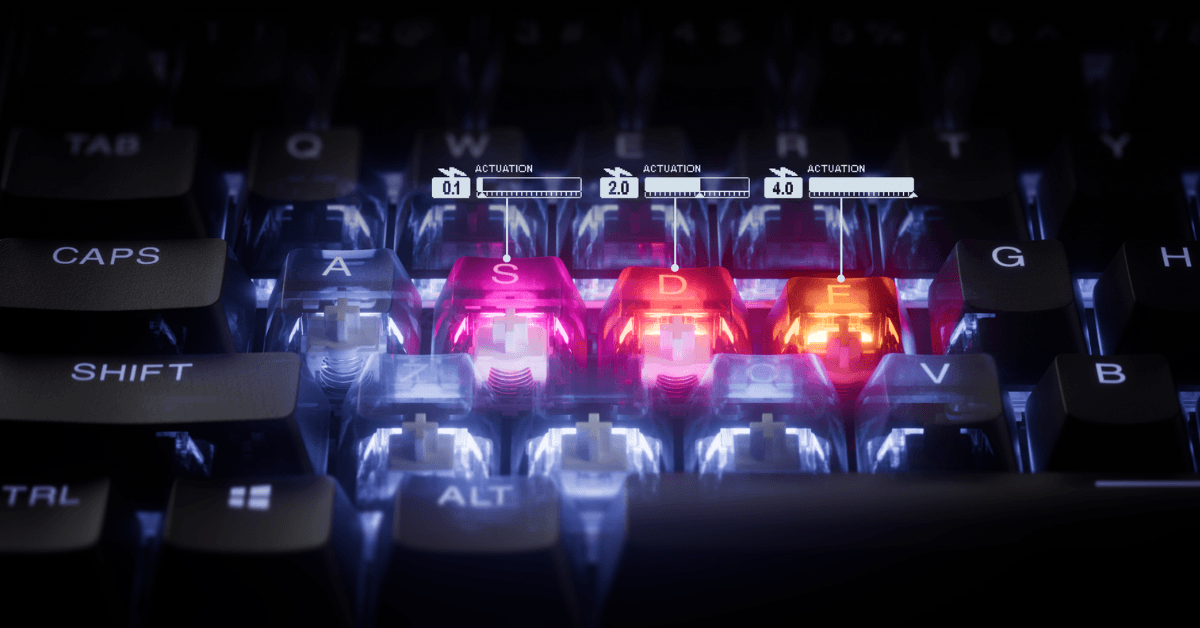
- Hall Effect: Magnetic switches let you tweak how far a key needs to press to register.
Want to get deeper knowledge on these things? Check out our guides:
I’m a mechanical switch lover at heart. Optical and Hall Effect have their perks, but I still find myself gravitating to traditional mechanical switches just because of the sheer volume of options out there. There’s definitely a switch for everyone.
Editor’s Notes
Sizes matter too.
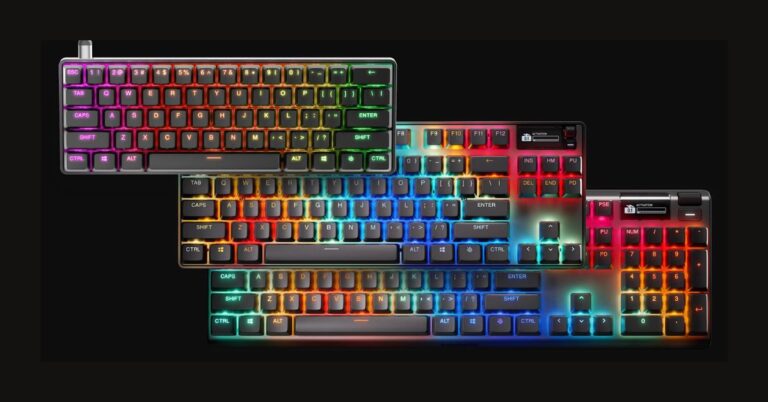
- Full-size keyboards have a number pad, perfect for MMO players juggling tons of hotkeys.
- Tenkeyless (TKL) drops the number pad to save space.
- 60% or 65% keyboards strip things down to the essentials, a must for FPS players.
These names sound confusing, but we explain all about them here:
Get to Know Your Key Switches
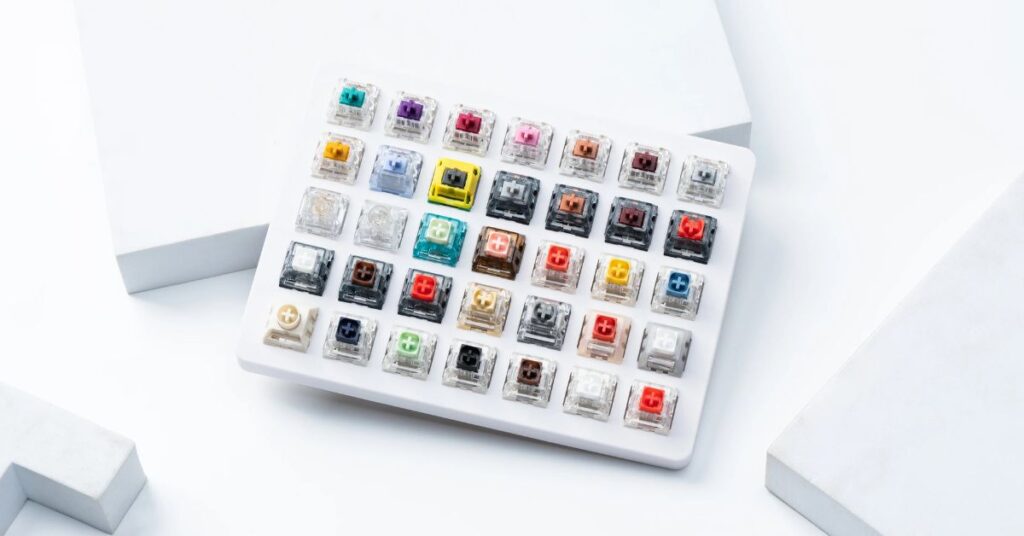
Switches are the heart of your keyboard. They decide how each key feels and performs.
Mechanical switches come in three flavors:
- Linear switches (like Gateron Oil King or Novelkeys Cream) glide smoothly for quick presses.
- Tactile switches (like Gateron Quinn or Gateron Baby Kangaroo) give a noticeable bump for precision.
- Clicky switches (like Gateron Melodics or Kailh Box Jade) are loud and proud but less popular for gaming due to noise.
Optical switches, found in boards like the Razer Huntsman V3 Pro Mini, use light for blazing-fast response.
Hall effect switches, seen in the Wooting 80HE, use magnets so you can adjust actuation points.
Actuation force matters too. Lighter switches (around 45g) need less pressure but can lead to accidental presses.
Total travel distance, how far a key moves, ranges from 4mm for most mechanicals to 2mm for some optical switches. Shorter travel means faster inputs.
Grab a switch tester to find what feels right for you. These things have a variety of options for you to try out. Perfect if you have no idea what certain switches are supposed to feel like.
Must-Have Features for Gamers
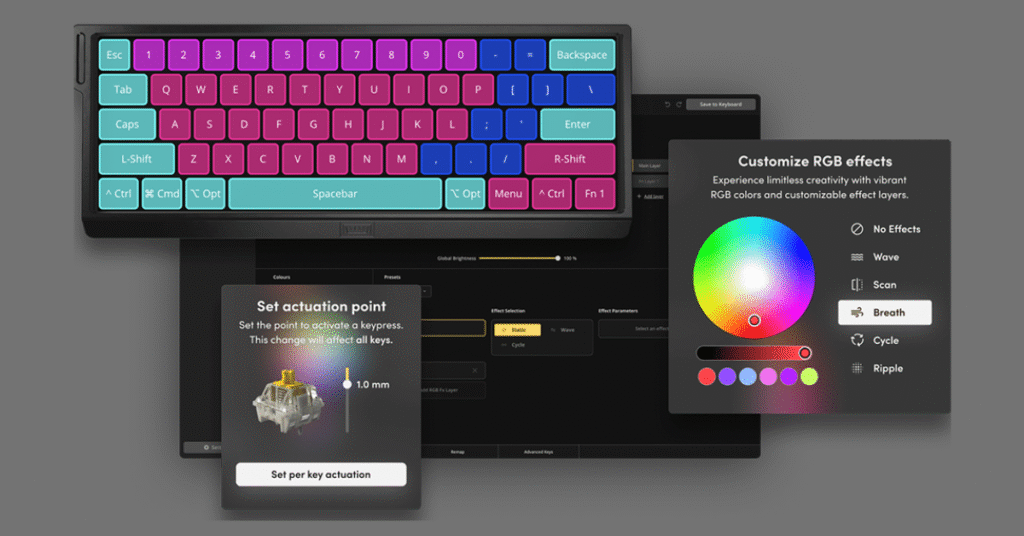
You need a keyboard that keeps up with your skills. Here are some essential features we think you should keep an eye out for:
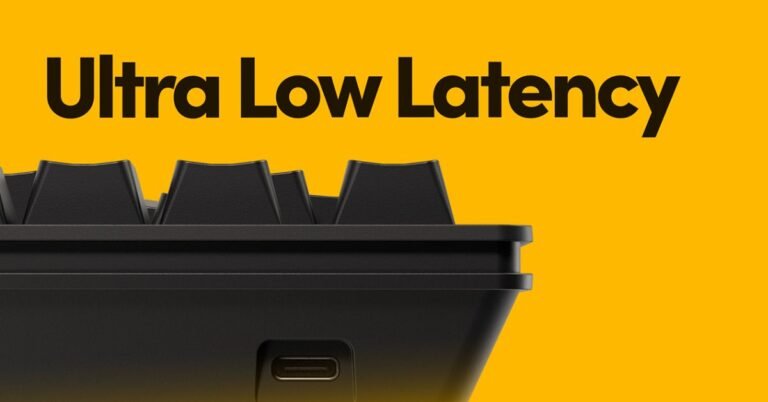
- 1000Hz polling rate (1ms response) ensures zero lag.
- N-key rollover (NKRO) registers every key, even during chaotic combos. (More about NKRO here)
- Anti-ghosting prevents missed inputs when you mash multiple keys.
Aside from those listed above, we think you should also consider these bonus features:
- RGB lighting isn’t just for show, it helps you spot keys in dark rooms.
- Macros let you program complex commands for MMOs.
- Durable builds, like aluminum frames and PBT keycaps, survive intense sessions.
- Hot-swappable keyboards are a game-changer. You can swap switches without soldering, letting you experiment with different feels. (More about hot-swappable keyboards here)
- Software like Glorious Core or Razer Synapse lets you remap keys, set macros, and tweak RGB for game-specific setups.
Compactness: Free Up That Mouse Space
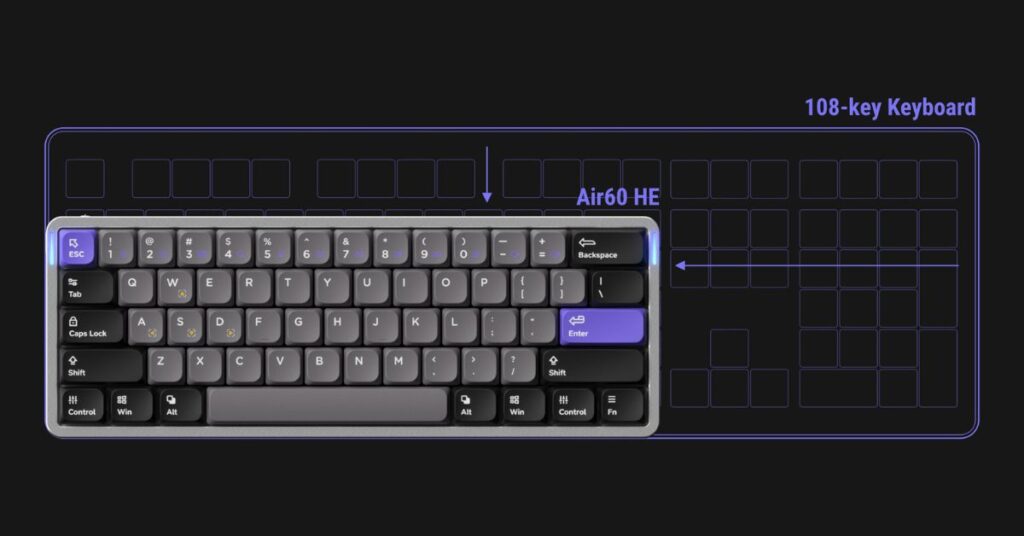
A smaller keyboard means more room for your mouse to roam.
TKL or 60% keyboards are gold for FPS players who play on low sensitivity, like in CS:GO or Apex Legends. You get wide, smooth swipes without bumping into your board.
Full-size keyboards are great for MMOs with endless hotkeys, but they eat up space.
Here’s a pro tip for MMO players: grab a compact TKL or 60% keyboard and pair it with a separate macro or numpad on the left. Something like the Glorious GMMK Macro Pad gives you tons of programmable buttons while keeping your mouse area clear.
I used to be all about full-sized keyboards with all the F-keys, numpad, arrows, and as many macro buttons as possible. Then I discovered 65% keyboards. Now I can’t see myself using anything but 65% boards. The increase in mouse real estate makes a huge difference in gaming.
Editor’s Notes
Match Your Keyboard to Your Game
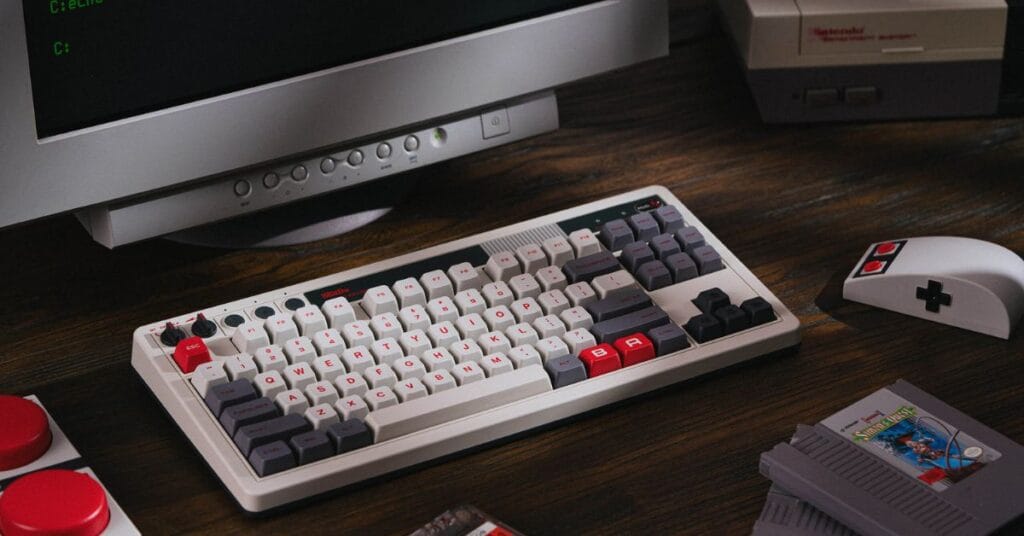
Your game choice shapes your keyboard needs.
For FPS titles like Valorant, go compact with a TKL or 60% for max mouse room and a high polling rate for snappy aim.
MOBAs or RTS games like League or StarCraft benefit from compact boards with macro support for quick commands.
MMOs like WoW demand lots of keybinds, so a full-size board or a compact one with a macro/numpad works best.
Always check your desk space and mouse sensitivity to nail the perfect setup.
Another option would be to pair a compact keyboard with an MMO mouse. That way you can keep all the mouse space while still having buttons for all your macros. Win-win.
Editor’s Note
Keep It Comfy for Marathon Sessions
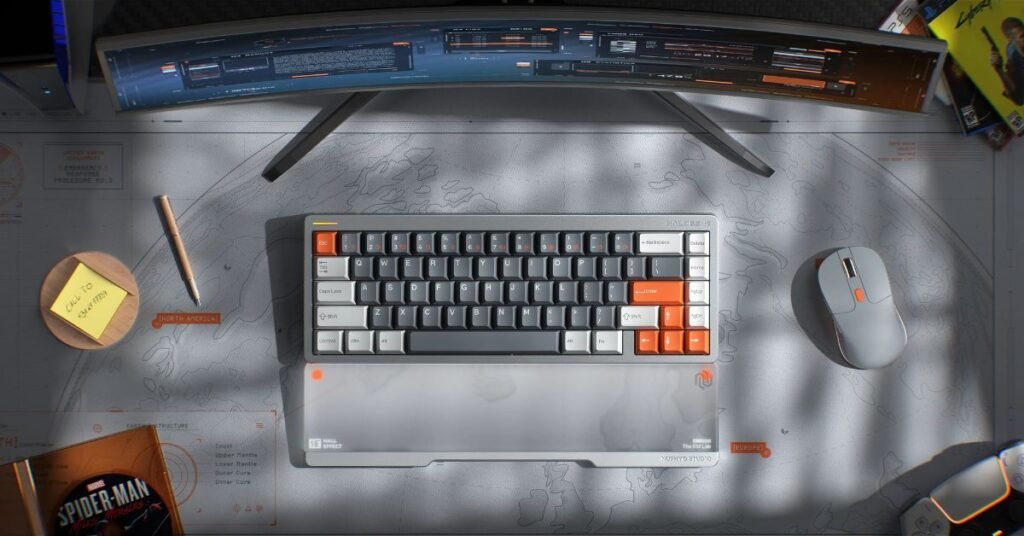
Comfort is key when you’re grinding for hours.
Wrist rests and adjustable tilt save your wrists from aching. Most popular board brands also make matching wrist rests that fit perfectly.
We prefer hard wrist rests like wood or acrylic ’cause they handle sweaty gaming sessions better (AKA easier to clean). There’s nothing worse than a soggy, mushy wrist rest while you’re trying to max your K:D ratio.
Switch noise matters. Some are quieter than others, which is clutch if you share a space. Also clutch when you’re making call outs. Your teammates don’t wanna hear that clack-clack while you’re calling out focus fires. When in doubt, just go for silent switches like the Akko Fairies.
A comfy keyboard keeps you in the game longer.
I’ve been using a Keychron wooden wrist rest for years now. This thing has been great. I can sweaty-palm all over it and it doesn’t faze it at all. I’ve had foam wrist rests that soaked up all the sweat and started to discolor. Easily prefer the hard wrist rests over foam.
Editor’s Note
Wired or Wireless: Pick Your Fighter
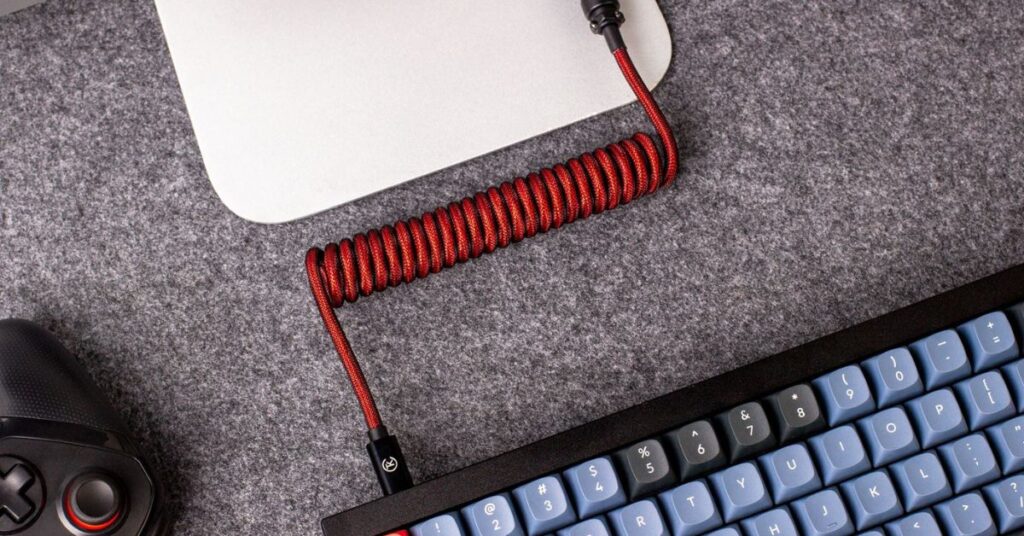
Wired keyboards deliver zero lag, a must for competitive play. If you’re serious about gaming, just go this route.
Wireless ones, especially 2.4GHz models like Logitech’s Lightspeed, match wired speed and cut desk clutter, but many keyboards don’t. Be sure to check the specs to see the true wireless polling rate.
Bluetooth is fine for cozy gaming but can lag. We wouldn’t recommend it for much more than farming in Stardew Valley. Better yet, just plug in the (likely) included dongle and go 2.4GHz.
If you go wireless, check battery life. Also, keep an eye out for RGB ’cause it eats power fast.
Rule of thumb: Wired if you’re a sweaty gamer, 2.4GHz if you’re a casual gamer, Bluetooth for homework.
My preference is to just go wired. This is the easiest way to connect the keyboard. I don’t like having to monitor the battery or the delay of Bluetooth having to wake up the keyboard. I just wanna plug in the board and call it a day.
Editor’s Note
Budget-Friendly Picks That Don’t Suck
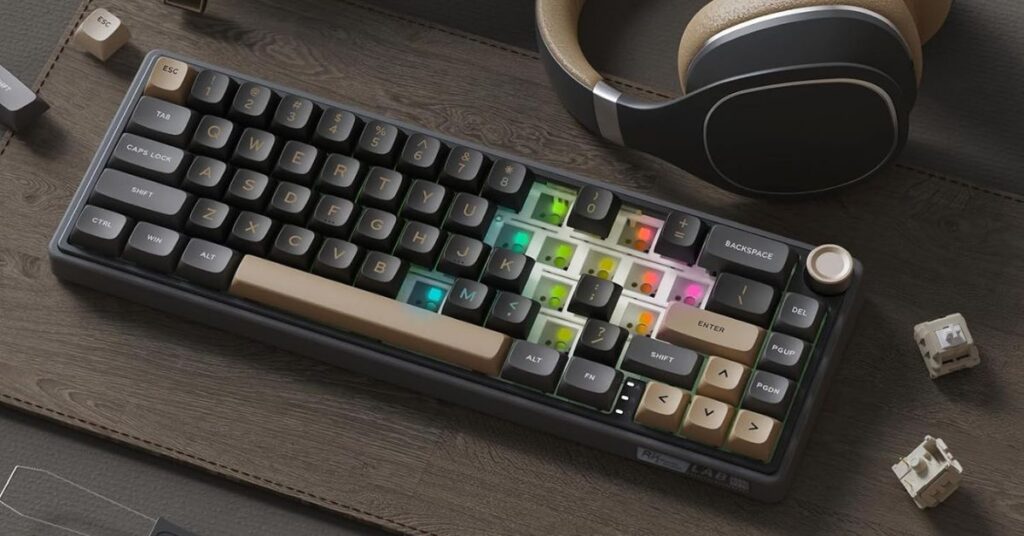
You don’t need to break the bank.
Budget keyboards ($50–$100), like the Royal Kludge R65 deliver solid mechanical performance.
Mid-range options ($100–$150), like the NuPhy Halo65 HE, are a good middle ground.
Premium boards ($150+), like the Razer Huntsman V3 Pro TKL or Wooting 80HE, offer top-tier builds.
Or just build your own! This is the route we recommend and think you’ll enjoy the most. Just pick your case, switches, keycaps and you’re all set.
Still not sold? We’ll convince you why you should build your own keyboard here.
Your Perfect Keyboard Awaits
Choosing a gaming keyboard boils down to a few key things.
Find switches (mechanical, optical, or hall effect) that feel right for you.
Pick a size that fits your desk and game style.
Ensure NKRO, a fast polling rate, and features like macros are in the mix.
Start with a budget-friendly board and upgrade as you go.
Now that you have the knowledge, what are you waiting for? Grab some of our suggested options and dominate your games today!
Loved this guide? Share it with your gaming buddies to help them find their perfect keyboard!