Let’s talk about the KTT Kang White switches!
I’m a keyboard nerd who’s built dozens of boards and swapped switches more times than I can count.
I’ve put these things through the wringer for you.
This KTT Kang White review breaks down their specs, performance, and whether they’re worth your hard-earned cash.
Stick around to see if these switches deserve a spot in your next build!
*Keyboard Forge is a participant of affiliate programs and earns from qualified purchases*
Switch Snapshot
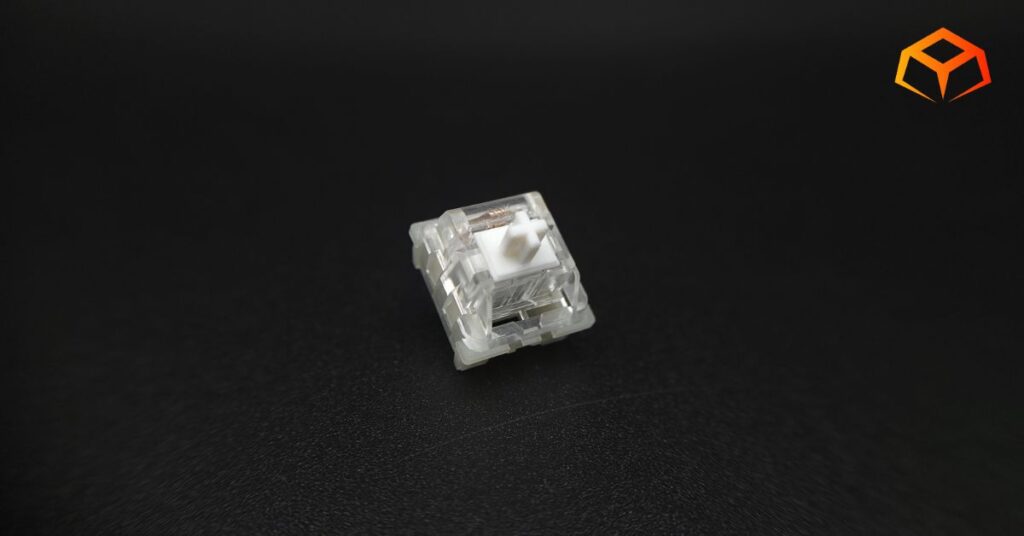
KTT Kang White

- Type: Linear
- Top Housing: Polycarbonate
- Bottom Housing: Nylon
- Stem: POM
- Initial Force: Not Specified
- Actuation: 43g
- Bottom-Out: 53g
- Pre-Travel: 1.9mm
- Total Travel: 4.0mm
- Pins: 3-pin
- Lube: Unlubed
- Ultra-Budget Pricing
- Transparent Top for RGB
- Snappy Spring Return
- 3-Pin Design for Max Compatibility
- Noticeable Pinging
- Flimsy Pins
- Above Average Scratchiness
Amazon.com
Curious how this switch stacks up against the top-rated linears? Check out our guide to see our current favorites:
Hands On Breakdown
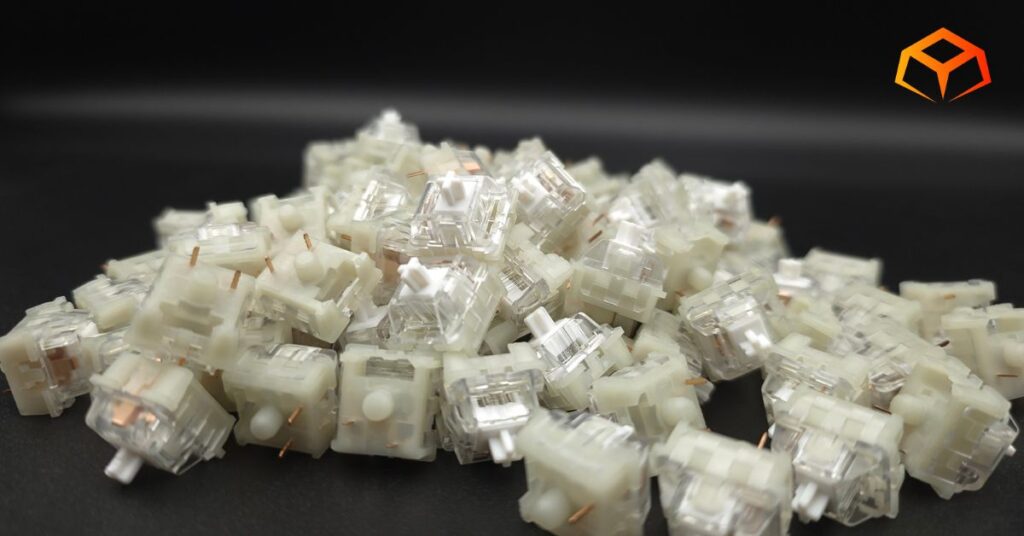
I first stumbled across KTT through a keyboard video I was watching on YouTube. I can’t remember what the video was, but since then, I’ve seen the brand pop up a lot. It’s kinda like the effect of when you get a new car and you start noticing everyone else with the same car.
The company is well liked on community forums and their switches are often praised by enthusiasts. Lots of content creators like to recommend their switches in budget builds.
I tried these switches as they came from the factory using the following setup:
Keyboard: Neo Studio Neo65
- Case: Aluminum
- Plate: FR4
- Mount: Gasket
- Foam: Poron Case Foam, PE Sheet
Keycaps: Wuque Studio BOW
- Material: PBT
- Printing: Double Shot
- Profile: Cherry
Note: Neo Studio Neo65 doesn’t have RGB. RGB was tested on a Keychron Q1.
Overwhelmed by the anatomy of keyboards? Check these links to learn all about them:
I couldn’t find a force curve for these switches, but I found numbers to all the important stuff and listed them above. Here are the ones related to a force curve.
| Initial Force | Not Specified |
| Actuation Force | 43g |
| Bottom Out Force | 53g |
| Pre-Travel | 1.9mm |
| Total Travel | 4.06mm |
Colorway:
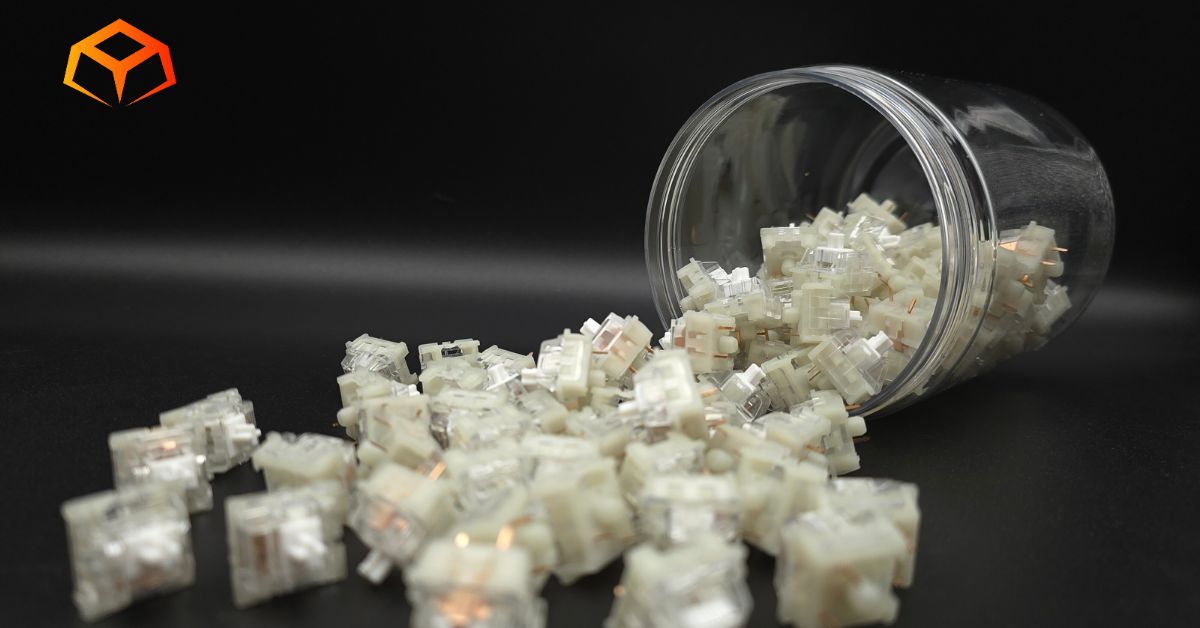
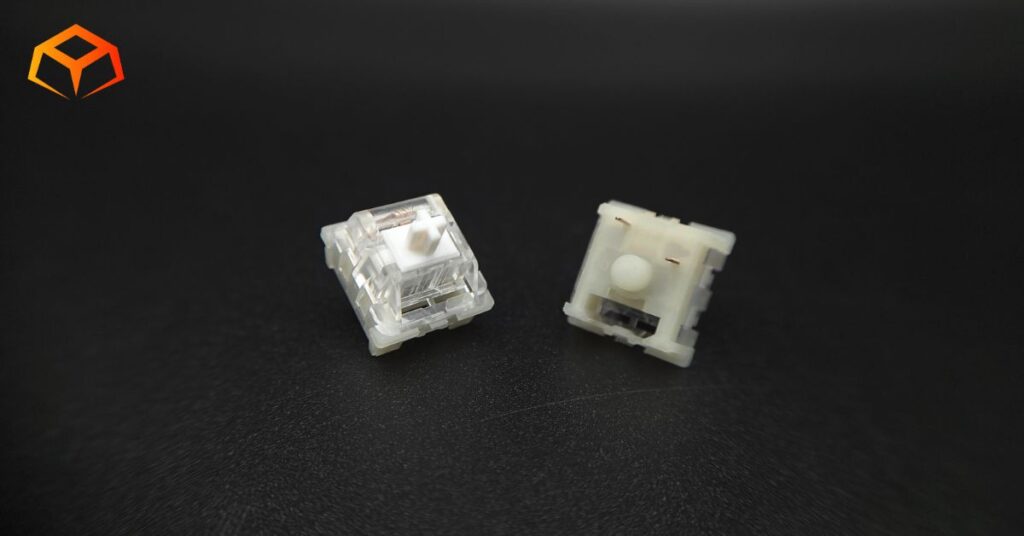
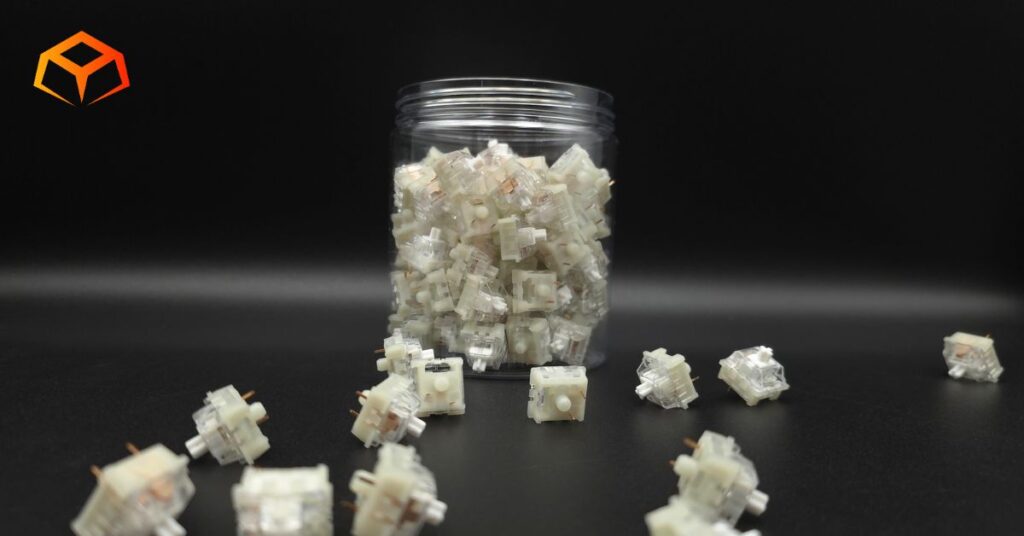
The switches have the following color scheme:
- Milky: Nylon bottom housing
- White: POM stem
- Transparent: Polycarbonate top housing
These things are okay looking to me. I don’t like the transparent tops, but the milky bottoms and the white stems look good. I think they would have looked pretty cool if they had all milky housing with white stem.
PERFORMANCE | Score: 3.5
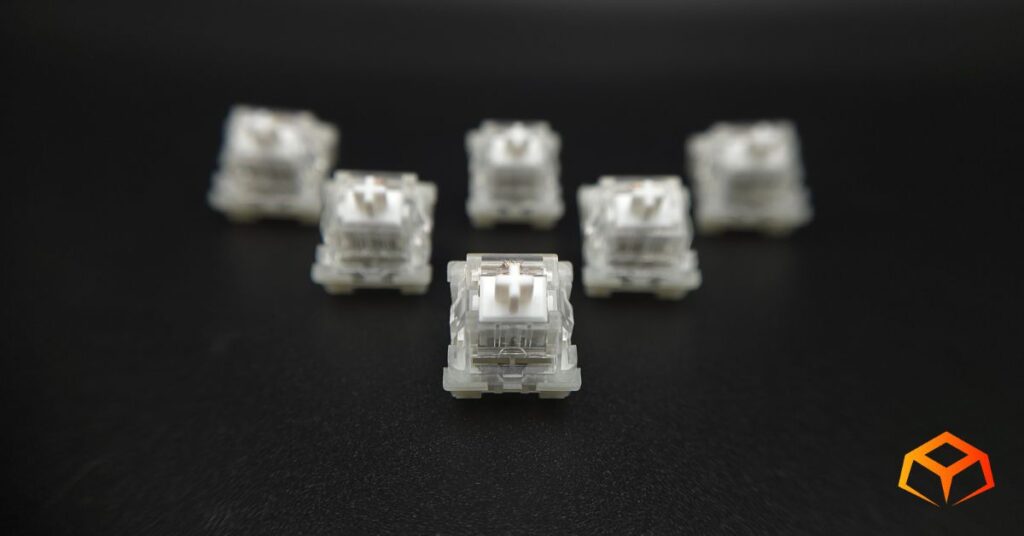
| Score | Category | General Metric |
| 5 | Speed | Consistent Actuation; Snappy return; No binding |
| 4 | Responsive | Negligible Actuation Differences; Above average return |
| 3 | Standard | Minor Actuation Differences; Normal return; Minimal binding |
| 2 | Sluggish | Slow return; Noticeable binding |
| 1 | Failing | Inconsistent/Missed Actuation; Sticky return; Severe binding |
Preferences:
The switches I’ve used the longest are the Gateron Oil Kings. So, you can consider them the baseline for what my preferences are.
I like to rest my fingers on the keys when I’m typing. This often leads to keys being inadvertently pressed.
I also type like I’m hammering nails. I bottom out pretty hard when I press the keys.
General:
These switches felt very smooth when pressed.
These switches felt very light to me. I couldn’t find the initial force, but based on my experience testing switches, I would say these are around 35g initial force.
The rest of the specs confirm that these switches are on the lighter side. Their 43g actuation and 53g bottom-out are way too light for my tastes.
Binding:
I did the slow press test on these switches and didn’t run into any binding problems.
Spring Return:
The spring return was snappy.
Actuation:
There was minor actuation differences in the switches that I sampled. A couple of them felt like they needed more pressure to actuate.
Gaming:
I spent days playing Fellowship with these switches.
For those that aren’t familiar with the game, Fellowship involves moving your character using the WASD keys and pressing a bunch of other keys to use your character’s abilities. Everything felt really responsive to me and I stomped the enemies with no issues.
I enjoyed these switches, but I wasn’t blown away by them. It felt felt super smooth when I pressed them, so I have no complaints in this department. I just didn’t find any “wow factor” in the switches. Don’t get me wrong though. These things feel good. My brain just didn’t explode while using them.
Majority of the time was spent running dungeons on Adept 2 through 4 difficulty to gear up my character. This game is getting increasingly frustrating. The fact that you can spend 30 minutes in a dungeon and lose all potential for any rewards because of a leaver is getting pretty annoying. They really need to implement enemies dropping loot or some sort of checkpoint system with rewards. Otherwise, it feels like casual gamers have no chance in progressing in this game.
I main Meiko. There’s a lot of key pressing for this character’s rotation. My 1, 2, 3, 4 and WASD keys definitely got a workout. I had no issues with any of her abilities and she moved and did everything as I intended. The KTT Kang White switches performed admirably during my gameplay.
Typing:
I’m actually writing this review using these switches right now.
I did a typing test and had no issues. I was able to break 100 wpm on my first try without any warm up. It was a decently long typing test too.
I wasn’t able to comfortably rest my fingers on these switches as much as I would like. The keys started sinking down as soon as I would make contact with them. I found myself consciously hovering my fingers over the keys instead.
It was surprising to me that, despite their light weight, I was able to perform decently with these switches. Maybe I’m starting to get use to lighter springs. It still takes me a lot more brain power to not make mistakes with these lighter switches, though.
Check out the score I got on TypeRacer:

SOUND | Score: 3.5
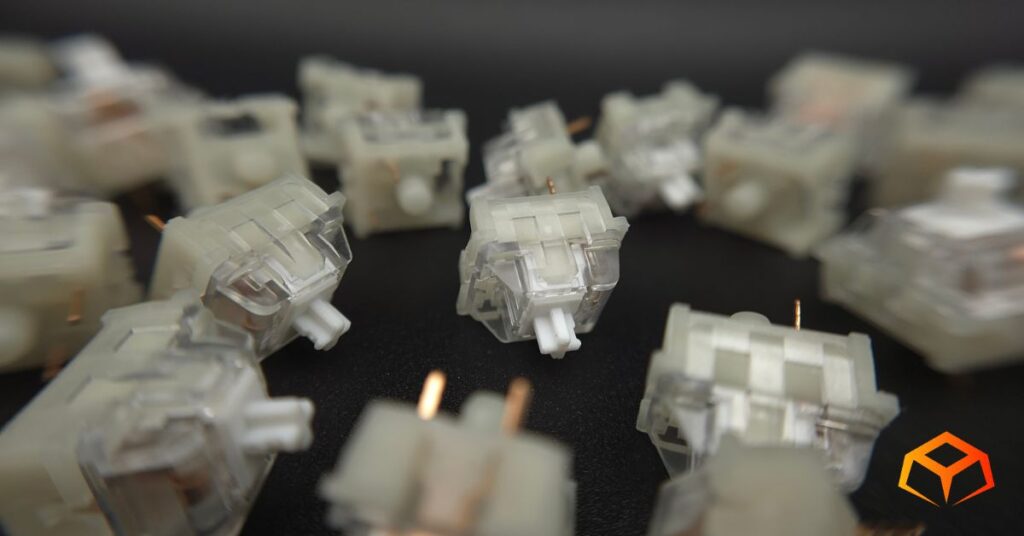
| Score | Category | General Metric |
| 5 | Pristine | Zero spring ping; Zero audible scratch, Zero leaf tick |
| 4 | Clean | Minimal ping (at ear); Minimal scratch |
| 3 | Standard | Average ping (at ear); Average scratch; Minimal leaf tick |
| 2 | Unrefined | Persistent ping (typing distance); Audible sandpaper scratch; Occasional leaf tick |
| 1 | Flawed | Loud ping on every press; Severe scratch; Constant leaf tick |
Sound Signature:
These switches have a clacky sound profile. It sounds like super high-pitched clack to me.
I prefer switches that have a deep thock, so I’m not really a fan of the way these things sound.
Take a listen to the sound test below.
Pinging:
I sampled a couple handfuls of the switch and heard noticeable pinging on just about half of them. The pinging came at both the downstroke and upstroke.
I put my ears down to the keyboard and couldn’t really hear any pinging while using the switches normally.
Scratchiness:
These switches definitely had more than the normal amount of scratchiness.
Leaf Tick:
I didn’t hear any leaf ticking from any of the switches I sampled.
Microphone Usage:
In the past, I regularly had complaints on Discord about my mic picking up keyboard sounds when I was typing, but I didn’t get any complaints at all during the play sessions where I was testing out these switches.
I even told my teammates to specifically listen for my typing as I mashed on the keyboard for them. They said they couldn’t hear anything.
I also put my phone up next to the keyboard on a speaker phone call and the other side couldn’t hear any keyboard sounds either.
QUALITY | Score: 3
| Score | Category | General Metric |
| 5 | Flawless | Reinforced pins; Zero wobble; Secure housing; Proper Lube |
| 4 | Solid | Standard pins; Minimal wobble; Too much/little lube |
| 3 | Average | Thin pins; Noticeable “play” in socket; No lube |
| 2 | Poor | Bent pins; Loose housing; Ghost-typing |
| 1 | Defective | Broken pins; Housing pops open during installation; Keys don’t register |
Socket Fit:
The switches installed into the sockets securely. They clicked loudly into place. It was actually pretty satisfying installing these switches.
I wiggled the switches in the socket and didn’t discover any excessive wiggling.
Pins:
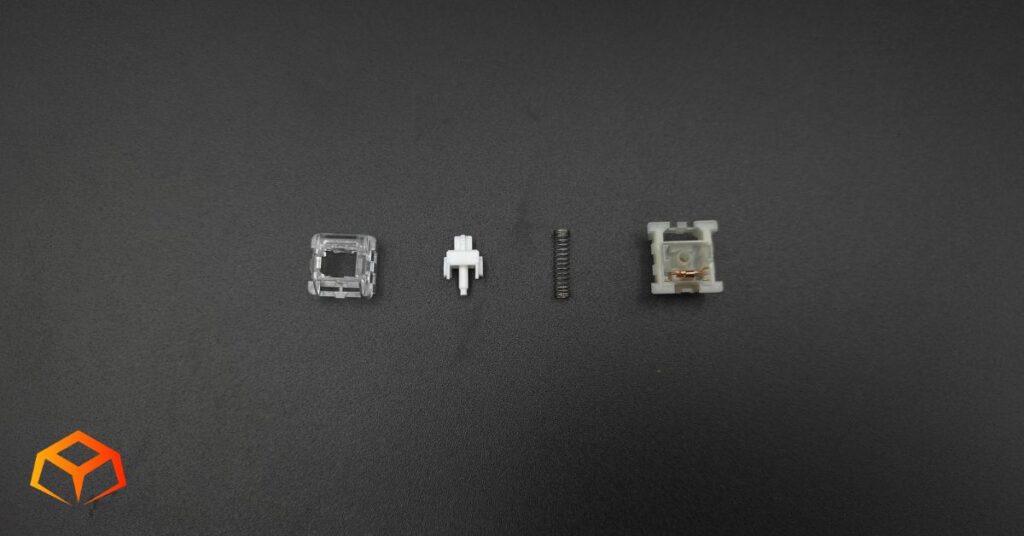
During the installation, I noticed at least three switches that came from the factory with bent pins. I poked around the switches a bit and noticed that the pins were very flimsy.
Housing:
The top and bottom housings were tight and latched securely to each other.
Errors:
There were no issues with ghost-typing and all my keys worked on KeyboardTester.com.
Lubrication:
The description on Amazon said they were supposed to come lubricated from the factory, but when I opened up a couple handfuls to sample, none of them were lubed. This would explain the scratchiness I was hearing from the switches.
Still, the switches felt super smooth and felt really nice to type on. A bit of lubing on the rails and springs would make these things feel pretty amazing.
If you do decide to lube these, stick to a thin coat of Krytox 205g0 on the rails. Since they are already quite smooth, over-lubing KTT switches can sometimes make them feel ‘sluggish’.
COMPATIBILITY | Score: 5
| Score | Category | General Metric |
| 5 | Universal | 3-Pin; MX stem; Light diffuser |
| 4 | Versatile | 5-Pin; Transparent housing |
| 3 | Standard | Opaque housing; RGB slot |
| 2 | Restricted | Non-standard pin or stems; poor keycap stability |
| 1 | Proprietary | Requires brand-only sockets |
Pins:
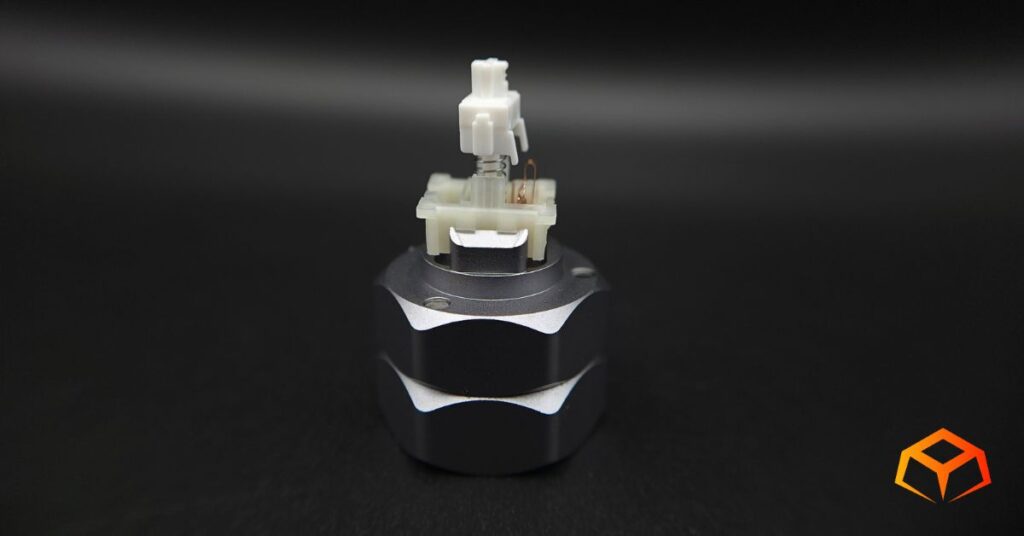
The switches were 3-pin design and were very secure while seated in the keyboard.
Keycaps:
Keycaps went on with no issues. I got the usual resistance when pressing the keycaps onto the stems. Like the switches into the socket, the keycaps also had a satisfying snap when installed.
The caps sat on each switch securely and didn’t have any unusual wobbling.
Pulling off the keycaps was as easy as putting them on. None of the switches popped out when removing any of the keycaps.
RGB:
RGB worked awesome on these switches. The transparent top really helps the RGB glow.
You won’t be disappointed if you’re an RGB fan.
PRICE | Score: A
| Score | Category | Price (Per Switch) |
| A | Ultra-Budget | < $0.25 |
| B | Budget | $0.26 – $0.40 |
| C | Mid-Range | $0.41 – $0.60 |
| D | Premium | $0.61 – $0.85 |
| F | Luxury | $0.86+ |
At the time of this writing, the KTT Kang White switches were firmly in the Ultra-Budget range.
These things have great value. I was surprised at how cheap they actually were. They punch way above their weight at this price point.
I believe I have seen them on sale before, though there’s really not much more you can save on their cost.
If you like these things, just jump on them.
Quick Comparison
Here’s how these switches stack up against some similar options:
| Switch | Force (Act/Bot) | Materials | Sound |
|---|---|---|---|
| KTT Kang White [This Review] | 43g / 53g | POM / PC / Nylon | Clacky |
| LEOBOG Reaper [Read Review] | 45g / 55g | POM / PC / Nylon | Thocky |
| NovelKeys Cream [Read Review] | 55g / 70g | POM / POM | Clacky |
| Glorious Lynx [Read Review] | 43g / 60g | POM / PC / Nylon | Clacky |
| Gateron Cream Soda [Read Review] | 56g / 63g | POM / PC | Thocky |
| Wuque Studio Morandi [Read Review] | 50g / 60g | UPE / POM | Clacky |
Who Are These Switches For?
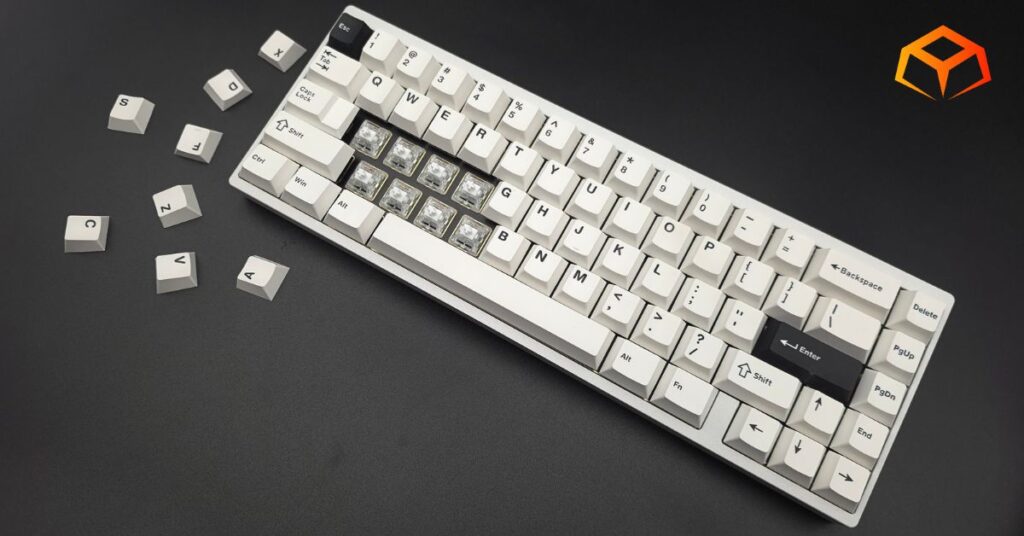
You’ll love these switches if you’re a typist looking for a light to medium actuation point. As a heavy-switch user, I had no problems adjusting to these things. I was able to throw them in the keyboard and continue on without missing a beat.
These things are also for those that are into clack. They have a higher-pitched clack sound. If that’s what you’re shooting for, you won’t be disappointed.
These switches are also for the lazy tinkerer, just toss them in your board and forget about them. They’re good enough out of the box, but there’s probably a huge potential upside if you choose to hand lube them yourself.
Wrapping Up
The KTT Kang White switches, as they came from the factory, don’t really do it for me.
I love how smooth they are, but I’m just not into the clack. I do love the value you get for these switches.
I also would have liked them to be a bit heavier. This opinion is purely based on my preference for heavy, heavy switches. My preference is to have to very deliberately smash down on the keys to have them register. Weird, I know.
That said, unfortunately, they will have no place in my daily driving rotation purely based on the fact that I just have so many other options that better suit my preferences. However, I would have no problems recommending these to anyone that likes lighter, clackier switches.
So, you ready to give them a spin? Grab a pack and upgrade your typing today!
Amazon.com
How We Tested and Our Methodology
Keyboard Forge is a 100% independent publisher.
We purchased these switches with our own funds and were not paid by any company or manufacturer to influence our opinions or decisions.
We conducted numerous hours of hands-on testing with these switches in both gaming and typing environments. Majority of the gaming testing was done playing a variety of Steam games. Majority of the typing testing was done writing articles for Keyboard Forge.
We hope this review helps you get a better understanding of these switches. Feel free to reach out to suggest switches to review in the future.
Thanks for the support!
Enjoyed this review? Share it with your crew!