Let’s talk about the NovelKeys Cream switches!
I’m a keyboard nerd who’s built dozens of boards and swapped switches more times than I can count.
I’ve put these things through the wringer for you.li
This NovelKeys Cream review breaks down their specs, performance, and whether they’re worth your hard-earned cash.
Stick around to see if these switches deserve a spot in your next build!
*Keyboard Forge is a participant of affiliate programs and earns from qualified purchases*
Switch Snapshot
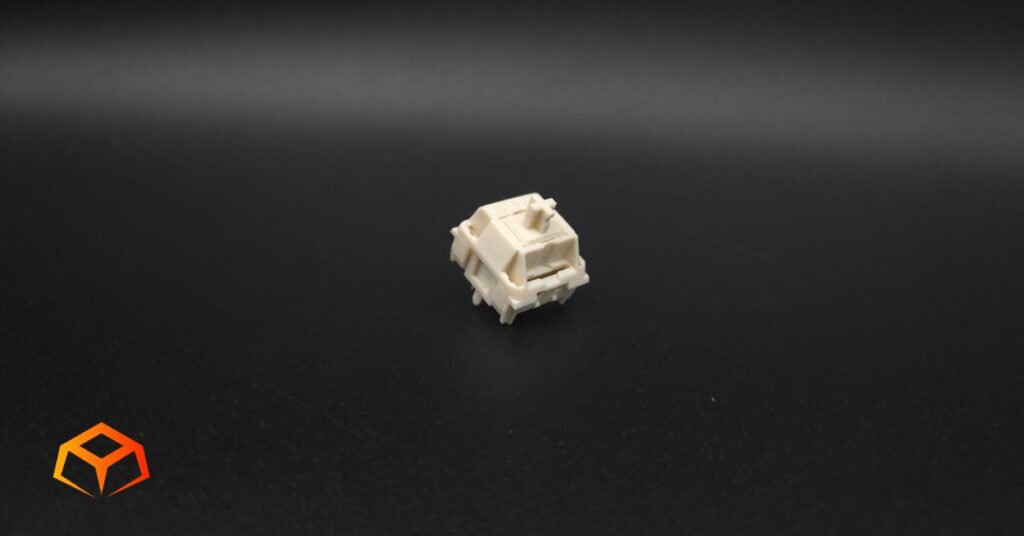
NovelKeys Cream
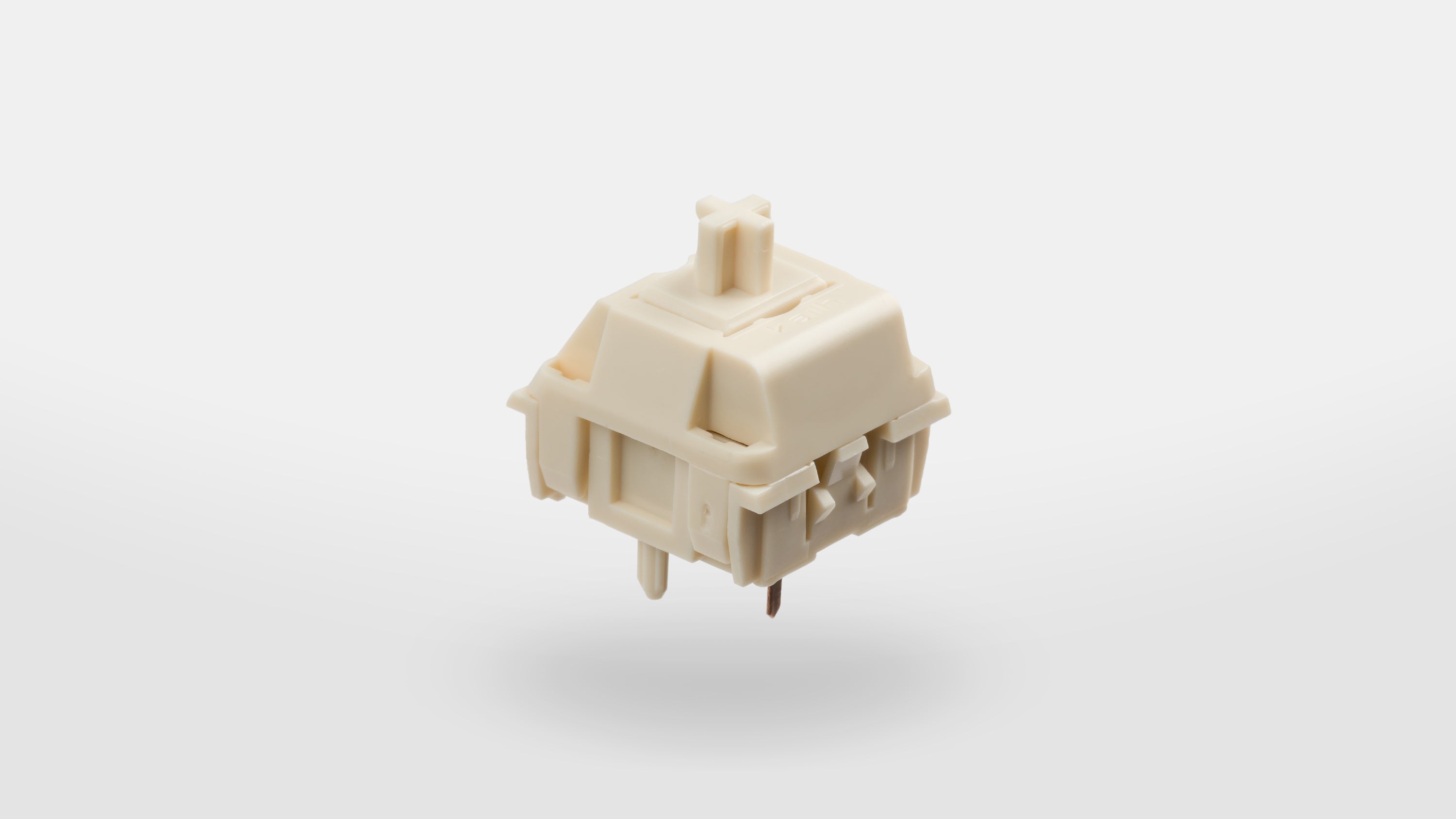
- Type: Linear
- Top Housing: POM
- Bottom Housing: POM
- Stem: POM
- Initial Force: Not Specified
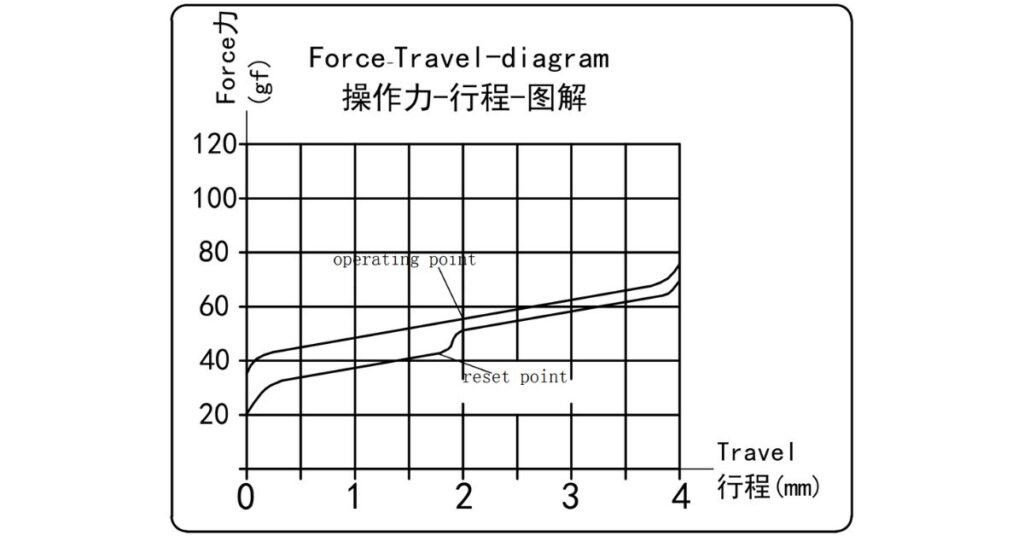
- Actuation: 55g
- Bottom-Out: 70g
- Pre-Travel: 2.0mm
- Total Travel: 4.0mm
- Pins: 5-pin
- Lube: Unlubed
- Full-POM Construction
- Snappy Spring Return
- Zero Leaf Tick
- Noticeable Pinging
- Audible Scratchiness
Amazon.com
Curious how this switch stacks up against the top-rated linears? Check out our guide to see our current favorites:
Hands On Breakdown
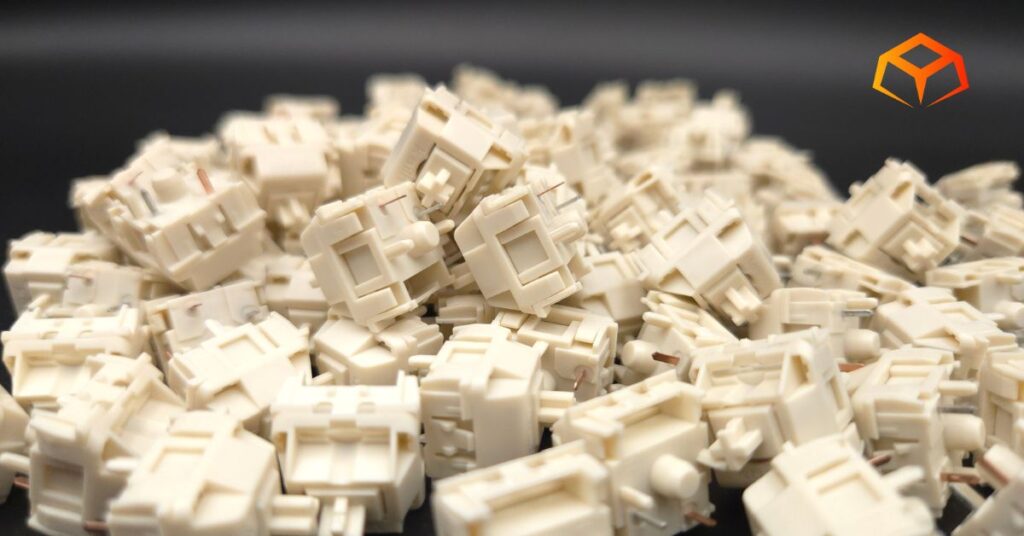
NovelKeys was started in a garage in 2016 by a single founder. Unbeknownst to him, it would eventually transform into a familiar pillar within the keyboard community.
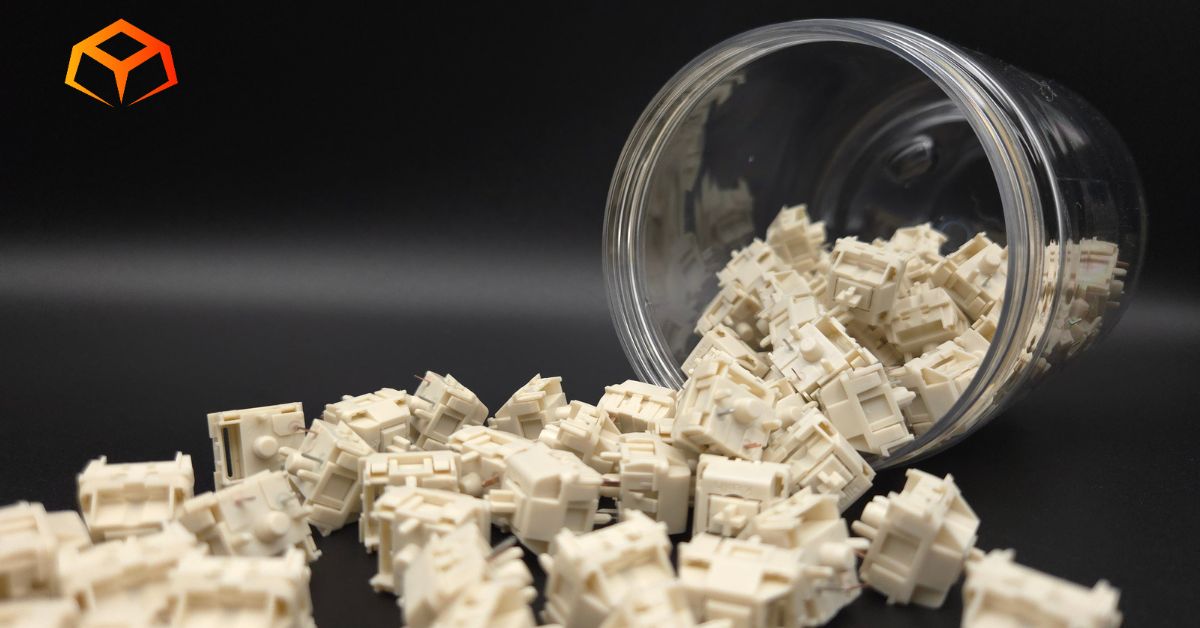
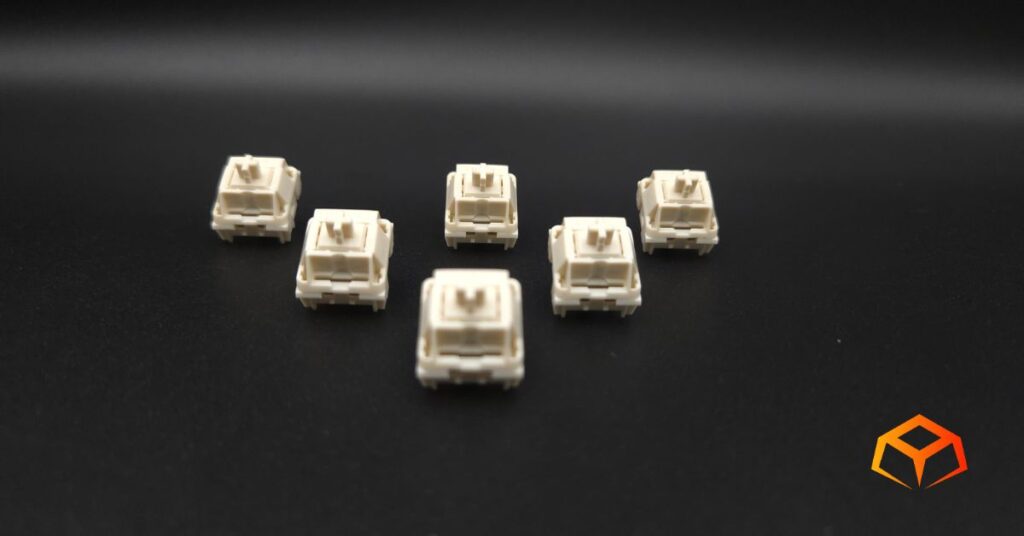
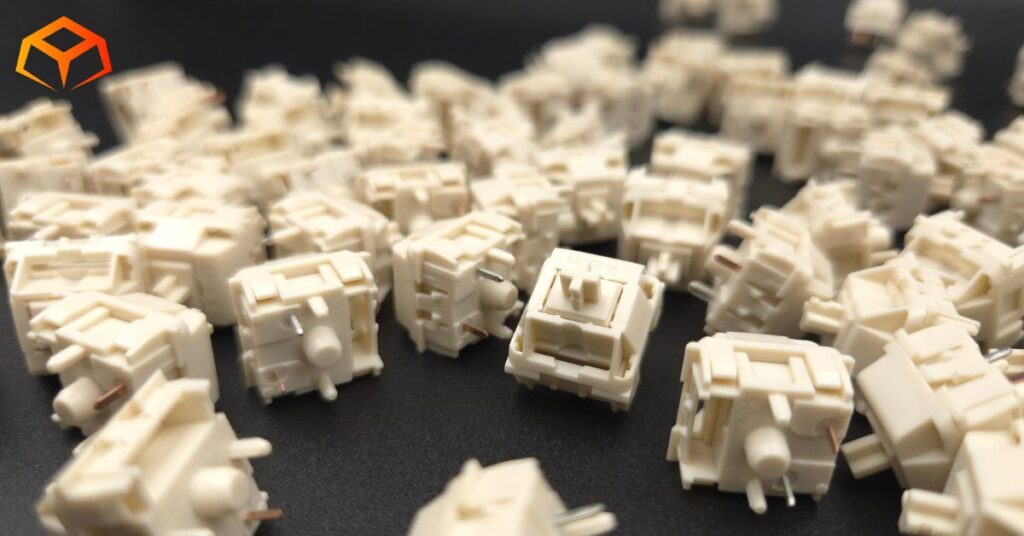
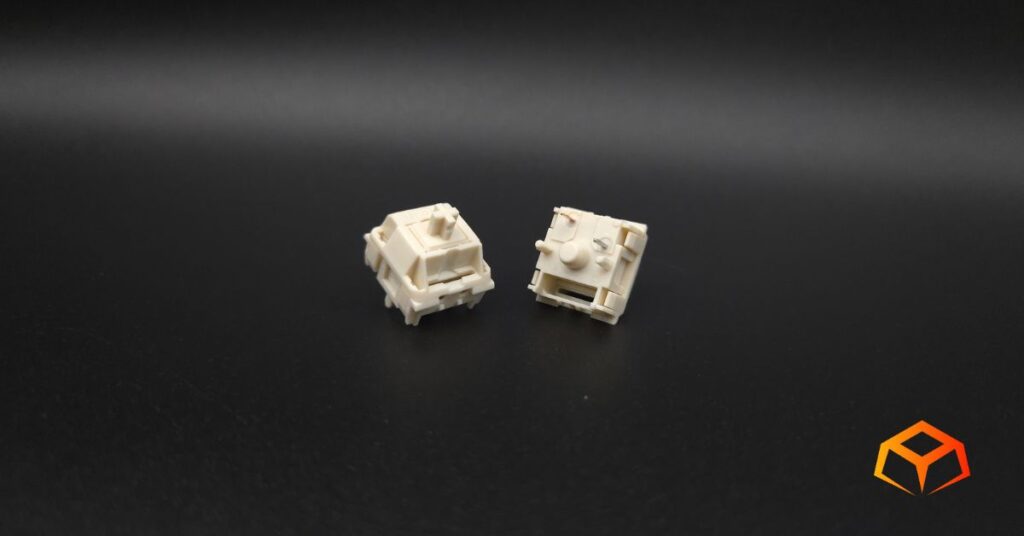
The NK Creams are the most popular switches from the company. They feature a unique combination of POM top housing, POM bottom housing, and POM stem.
There is an entire series of switches from this line, including a tactile version.
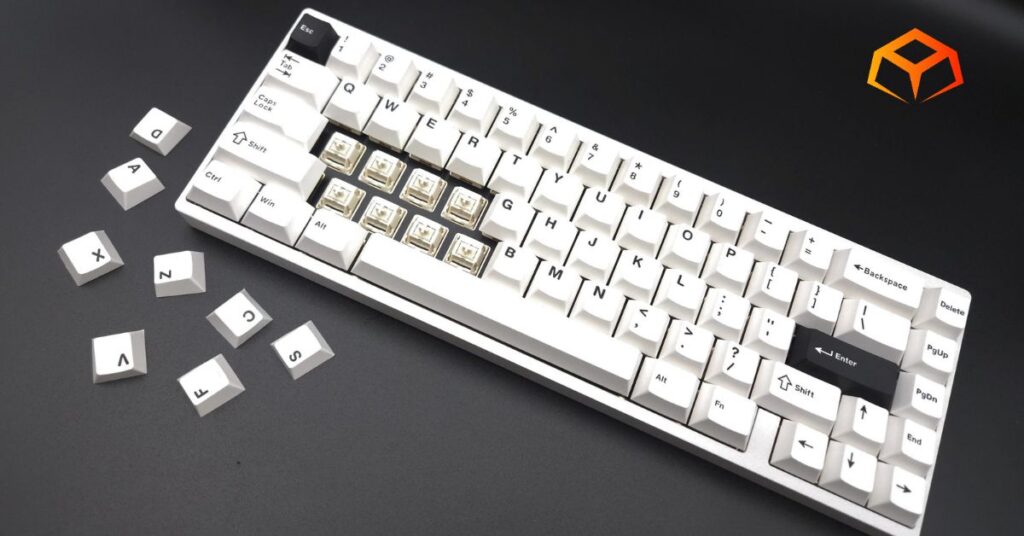
I tried these switches as they came from the factory using the following setup:
Keyboard: Neo Studio Neo65
- Case: Aluminum
- Plate: FR4
- Mount: Gasket
- Foam: Poron Case Foam, PE Sheet
Keycaps: Wuque Studio BOW
- Material: PBT
- Printing: Double Shot
- Profile: Cherry
Note: Neo Studio Neo65 doesn’t have RGB. RGB was tested on a Keychron Q1.
Overwhelmed by the anatomy of keyboards? Check these links to learn all about them:
Check out the force curve for the nerdy details:
Colorway:
The switches have the following color scheme:
- Cream: POM bottom housing
- Cream: POM stem
- Cream: POM top housing
These switches definitely look nice, but they’re not really my favorite color. I would be all over them if they were bright white.
PERFORMANCE | Score: 4.5
| Score | Category | General Metric |
| 5 | Speed | Consistent Actuation; Snappy return; No binding |
| 4 | Responsive | Negligible Actuation Differences; Above average return |
| 3 | Standard | Minor Actuation Differences; Normal return; Minimal binding |
| 2 | Sluggish | Slow return; Noticeable binding |
| 1 | Failing | Inconsistent/Missed Actuation; Sticky return; Severe binding |
Preferences:
The switches I’ve used the longest are the Gateron Oil Kings. So, you can consider them the baseline for what my preferences are.
I like to rest my fingers on the keys when I’m typing. This often leads to keys being inadvertently pressed.
I also type like I’m hammering nails. I bottom out pretty hard when I press the keys.
General:
The description at purchase didn’t specify whether these switches were lubed or not. Turns out, they weren’t.
No matter, though. These switches glided like butter.
They had a very heavy initial and actuation force.
The bottom out force at 70g was perfect. I might even like these more than the Gateron Oil Kings.
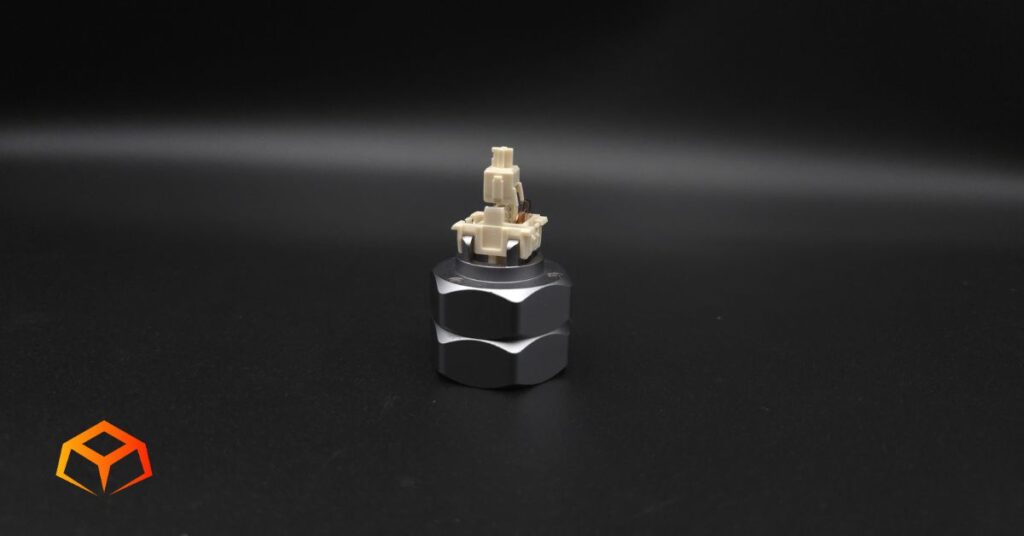
I’ve included a close-up picture of the stem in the sections below.
Binding:
I did the slow press test and didn’t find any issues with binding.
Spring Return:
The spring return was very snappy.
Actuation:
I think I felt a bit of actuation difference in one of the sampled keys, but it was so minor that I would consider it negligible.
Gaming:
I spent tons of hours battling in Marvel Rivals with these switches and encountered zero issues.
While playing, I didn’t notice any delay in my movements and my main’s (Emma Frost) movements felt snappy.
I queued up competitive matches straightaway, without any warm up. Avid players would consider this crazy. Luckily, I went 3-0 and even ranked back up to Gold I.
For those that aren’t familiar, Marvel Rivals involves moving your character using the WASD keys and pressing a bunch of other keys to use your character’s abilities. Everything felt really responsive to me and I even got to hang on to the “Ace” title for a majority of the matches.
Throughout the following days, I continued helping a friend level up his alt account by playing dozens of quick play matches. Decided to also try my luck at competitive matches again and went 0-2. I refused to play after that and logged off for days.
I did have one minor gripe. Normally, I wouldn’t pay attention to such things while playing, but I couldn’t help but notice how much more effort it took to make my character jump with the spacebar. It was almost to the point where my thumb was actually getting tired.
Typing:
I’m actually writing this review using these switches right now.
I typed surprisingly fast with these switches with minimal mistakes.
The switches were so heavy that I had no issues resting my fingers on them. They didn’t budge at all and my fingers felt so comfortable resting on the keys.
Typing was a bit different than gaming. I didn’t notice the heavier spacebar at all.
Overall, I really enjoyed typing on these switches. For some weird reason, my fiance who prefers super light switches, also enjoyed typing on these switches.
Check out the score I got on TypeRacer:

SOUND | Score: 3.5
| Score | Category | General Metric |
| 5 | Pristine | Zero spring ping; Zero audible scratch, Zero leaf tick |
| 4 | Clean | Minimal ping (at ear); Minimal scratch |
| 3 | Standard | Average ping (at ear); Average scratch; Minimal leaf tick |
| 2 | Unrefined | Persistent ping (typing distance); Audible sandpaper scratch; Occasional leaf tick |
| 1 | Flawed | Loud ping on every press; Severe scratch; Constant leaf tick |
Sound Signature:
These switches sounded clacky to me. My preference is as thocky as possible of a sound profile. However, I’m starting to grow accustomed to clack.
Pinging:
I heard pings when I brought individual switches up to my ear to listen. It wasn’t overbearing, but it also wasn’t subtle.
I couldn’t hear any pings when I was typing normally on the keyboard, but I definitely heard them when I put my ear closer.
Scratchiness:
These things had more than the average amount of scratchiness.
Leaf Tick:
I didn’t notice any leaf tick at all from any of the sampled switches.
Microphone Usage:
In the past, I regularly had complaints on Discord about my mic picking up keyboard sounds when I was typing, but I didn’t get any complaints at all during the play sessions where I was testing out these switches.
I even told my teammates to specifically listen for my typing as I mashed on the keyboard for them. They said they couldn’t hear anything.
I also put my phone up next to the keyboard on a speaker phone call and the other side couldn’t hear any keyboard sounds either.
QUALITY | Score: 4
| Score | Category | General Metric |
| 5 | Flawless | Reinforced pins; Zero wobble; Secure housing; Proper Lube |
| 4 | Solid | Standard pins; Minimal wobble; Too much/little lube |
| 3 | Average | Thin pins; Noticeable “play” in socket; No lube |
| 2 | Poor | Bent pins; Loose housing; Ghost-typing |
| 1 | Defective | Broken pins; Housing pops open during installation; Keys don’t register |
Socket Fit:
These things looked and felt premium.
They went into the sockets easily and securely. There was virtually no wobble.
Pins:
I poked around on the switches and didn’t discover anything wrong with the build quality.
The pins were nice and sturdy and I didn’t bend a single one while seating them into the sockets.
Housing:
The top and bottom housings felt very secure. I didn’t notice any wobble.
Errors:
There were no issues with ghost-typing and all my keys worked on KeyboardTester.com.
Lubrication:
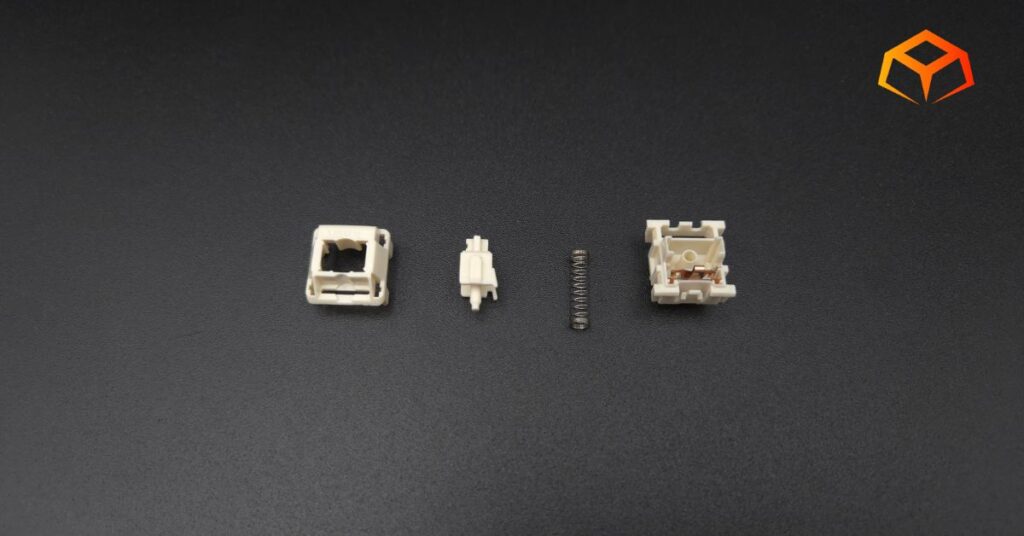
I opened them up to check out the insides. I thought they would have been lubed from how nice they felt, but I was wrong. They were bone dry. I can only imagine how nice they’ll feel when properly lubed. This would probably solve the scratchiness and pinging too.
If you do decide to lube, be sure to check out our Keyboard Lube Guide to learn about the different kinds.
COMPATIBILITY | Score: 4
| Score | Category | General Metric |
| 5 | Universal | 3-Pin; MX stem; Light diffuser |
| 4 | Versatile | 5-Pin; Transparent housing |
| 3 | Standard | Opaque housing; RGB slot |
| 2 | Restricted | Non-standard pin or stems; poor keycap stability |
| 1 | Proprietary | Requires brand-only sockets |
Pins:
The switches were 5-pin design and seated very securely in the socket and plate with virtually no wobble.
Keycaps:
Keycaps went on with no issues. I got the usual resistance when pressing the keycaps onto the stems. They felt secure.
All the switches also stayed in place when removing the keycaps. I didn’t have a single one get pulled out with its corresponding cap.
RGB:
The switches had a slit for the LED to shine through. RGB lighting worked fine and as expected. There was nothing significant to note in this aspect.
PRICE | Score: D+
| Score | Category | Price (Per Switch) |
| A | Ultra-Budget | < $0.25 |
| B | Budget | $0.26 – $0.40 |
| C | Mid-Range | $0.41 – $0.60 |
| D | Premium | $0.61 – $0.85 |
| F | Luxury | $0.86+ |
At the time of this writing, the NK Cream switches sit at the lower end of Premium pricing.
Personally, I like these switches and I think that pricing is appropriate.
Can’t remember if I’ve ever seen them go on sale. I did some searching around and wasn’t able to find any significant price decreases. I think what you see is what you get.
If you like heavier linears, I’d definitely recommend you try these out. I don’t think you’ll be disappointed.
Quick Comparison
Here’s how the NK Cream switches stack up against some similar options:
| Switch | Force (Act/Bot) | Materials | Sound |
|---|---|---|---|
| NovelKeys Cream [This Review] | 55g / 70g | POM / POM | Clacky |
| LEOBOG Reaper [Read Review] | 45g / 55g | POM / PC / Nylon | Thocky |
| Glorious Lynx [Read Review] | 43g / 60g | POM / PC / Nylon | Clacky |
| Gateron Cream Soda [Read Review] | 56g / 63g | POM / PC | Thocky |
| Wuque Studio Morandi [Read Review] | 50g / 60g | UPE / POM | Clacky |
| EPOMAKER Wisteria [Read Review] | 45g / Not Specified | POM+PTFE / PC / Nylon | Thocky |
Check out some head-to-head battles here:
Who Are These Switches For?
You’ll love these switches if you’re a typist looking for a heavier actuation point. This really helps with limiting mistakes, especially if you rest your fingers on the keys like me.
These things are also for those that are into clack. You should still give them a try if you’re into thock ’cause the clack might grow on you like it did to me.
These switches are fine for the lazy tinkerer, but I have a feeling you’ll likely want to get all you can out of these switches and lube them. Otherwise, just toss them in your board and forget about them. They already offer a great experience straight out of the box.
Wrapping Up
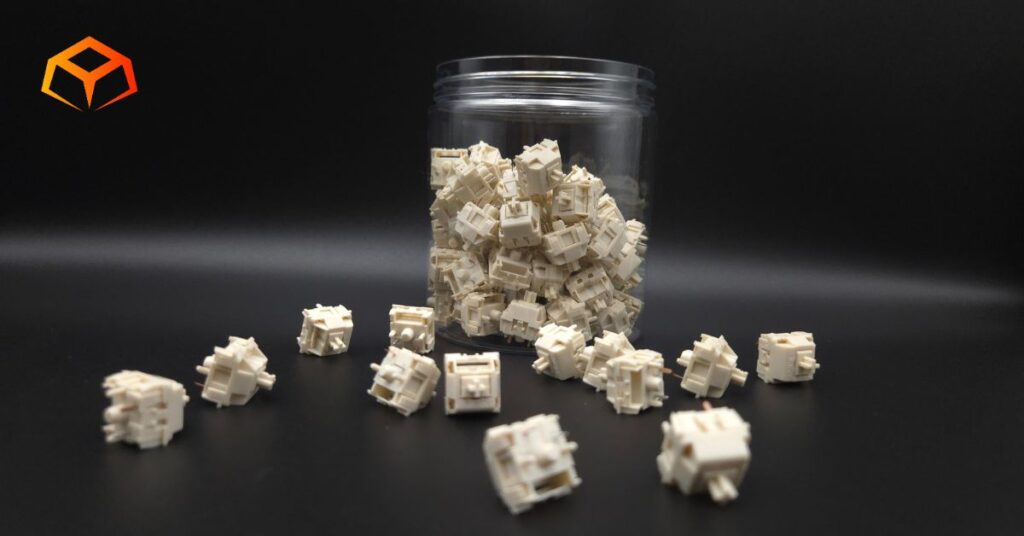
The Novelkey Cream switches, as they came from the factory were awesome to me.
Though I would have preferred a thockier sound, I loved the way they typed and how heavy they were.
They’re basically neck and neck with the Gateron Oil Kings for me right now (in terms of linear switches). I think they might even over take the Oil Kings once I lube them.
I keep saying I like heavy switches, but I think I’m starting to push the limits on how heavy I can realistically go. I’m going to be on the lookout for some 70g+ switches to see if they really do start getting uncomfortable.
Overall, the NK Creams get two huge thumbs up from me.
So, you ready to give them a spin? Grab a pack and upgrade your typing today!
Amazon.com
How We Tested and Our Methodology
Keyboard Forge is a 100% independent publisher.
We purchased these switches with our own funds and were not paid by any company or manufacturer to influence our opinions or decisions.
We conducted numerous hours of hands-on testing with these switches in both gaming and typing environments. Majority of the gaming testing was done playing Sea of Thieves or Marvel Rivals. Majority of the typing testing was done writing articles for Keyboard Forge.
We hope this review helps you get a better understanding of these switches. Feel free to reach out to suggest switches to review in the future.
Thanks for the support!
Enjoyed this review? Share it with your crew!